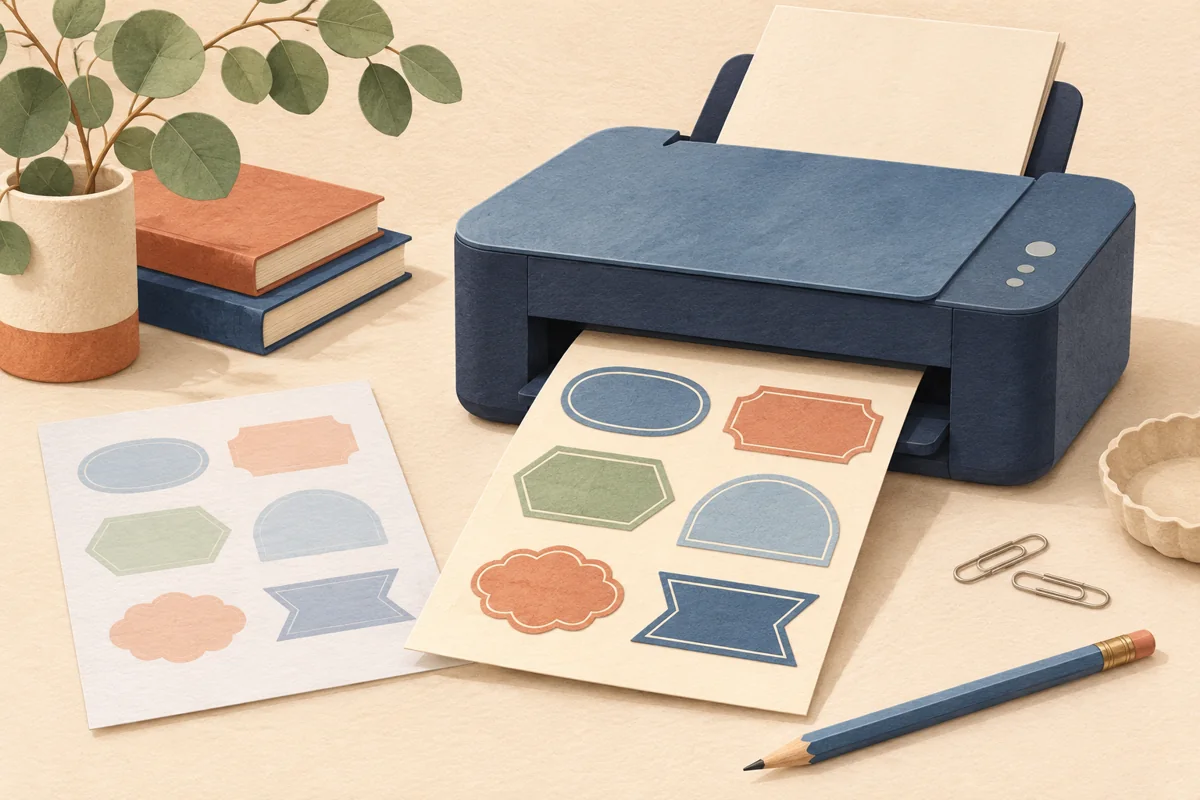
If you already own a printer, the first label-printing decision is usually which stock it can safely and reliably use. If you are choosing a printer, the decision is broader: the label materials, batch size, operating costs and workflow all matter. This guide focuses on compatibility and choosing a workable setup, rather than treating one printing technology as the automatic winner for every small business.
01
Identify the machine before shopping for label sheets
Find the model number on the printer and its current manufacturer manual. Check supported media types, sheet sizes, weights or thicknesses, and the specified feeding route. Do not choose a label just because the outer dimensions fit the paper tray. The printer and label supplier both need to support the intended combination. A compatible physical sheet size is only one part of that decision.
Avery advises matching inkjet and laser products to the relevant printer type, with dual-compatible products identified separately. The distinction matters because the printing processes and media treatments differ. If a packet says only inkjet, do not send it through a laser printer as an experiment. Ask the supplier when compatibility information is missing rather than assuming that all sticker sheets are interchangeable.
02
Define the job you need the printer to do
List the shapes, materials, quantities and artwork you actually expect to print. A weekly run of black product information has different priorities from occasional small batches of full-color labels. Note whether you need transparent film, a textured paper or a special construction, and confirm that suitable stock is available for the proposed machine. Start from the required output rather than a general claim about image quality.
For a hypothetical maker printing 120 labels a week, compare a realistic job with several variants, not one ideal full sheet. Include the time for loading, checking and changing artwork. If another supplier prints an occasional specialty label, record that as part of the workflow. Buying a printer that handles your routine work does not mean it must solve every possible packaging requirement.
03
Compare complete sample jobs
Obtain representative output where practical, using the intended artwork and compatible label material. Inspect small lettering, solid-color areas, fine borders and the shortest and longest variant names. Apply the label to the actual package. A paper proof shows alignment, while a finished label shows how the print and material work together; both are useful, but they answer different questions.
Keep the comparison controlled. If you compare inkjet on a matte paper with laser on a glossy film, acknowledge that the stock is changing as well as the printer. You can still make a useful business decision from those packages, but you cannot attribute every difference to printing technology. Choose the practical combination you would really use and write down exactly what was tested.
| Decision area | Information to collect |
|---|---|
| Compatibility | Exact printer model and label supplier specification |
| Output | Readable text and consistent artwork on the selected stock |
| Workflow | Setup time, variant changes and usable output |
| Cost | Supplies, test sheets and waste for a realistic batch |
04
Set up and proof the chosen combination
Use the media settings and feeding instructions recommended for the actual stock and machine. Confirm the design matches the label sheet template, export as required and check page scaling in the print dialog. Follow the manufacturer’s guidance about sheet condition and reuse rather than passing a damaged or partly used sheet through because there seems to be space left.
Run a small proof before the main batch and compare its position with the intended cut lines. Then check the first finished labels for print quality and handling readiness according to the supplier’s instructions. If the result is wrong, change one variable at a time: artwork placement, print setting or material. Changing several together can make the next apparent improvement difficult to repeat.
05
Calculate the ongoing workflow, not just the purchase price
Include the supplies used for both approved labels and unsuccessful sheets. Record setup time, replacement supplies and any outside printing you still need. Compare costs over the quantities you are likely to produce rather than an imagined very large run. A cheaper machine is not automatically the cheaper workflow, and a higher-priced machine is not automatically necessary for attractive packaging.
Retain the approved print settings, label product code and final artwork version with a photograph of the finished package. Recheck the combination after changing stock or replacing the printer. When the business grows, use those records to decide whether another printer or professional printing would remove a real bottleneck, rather than buying equipment merely because it is described as more professional.
BEFORE YOUR NEXT STEP
Your practical checklist
- Confirm the exact printer model and supported media.
- Buy stock rated for the relevant printer type.
- Compare samples using realistic artwork and quantities.
- Approve one finished package before batching.
- Record operating costs and reusable print settings.
Questions & answers
Can I print inkjet labels with a laser printer?+
Do not do so unless the exact label product is explicitly rated for laser use as well. Follow the label supplier and printer manufacturer’s compatibility guidance.
Which printer produces the best product labels?+
The useful choice depends on the compatible stock, artwork, quantity and workflow. Compare actual output and usable batch costs rather than choosing from the technology name alone.
Can I use labels advertised for both printer types?+
Only if the specific product and your printer support the intended workflow. Check the sheet size, media specification and manufacturer instructions as well as the compatibility label.
Sources & further reading
Official references for the technical points in this guide. Check current specifications before production.