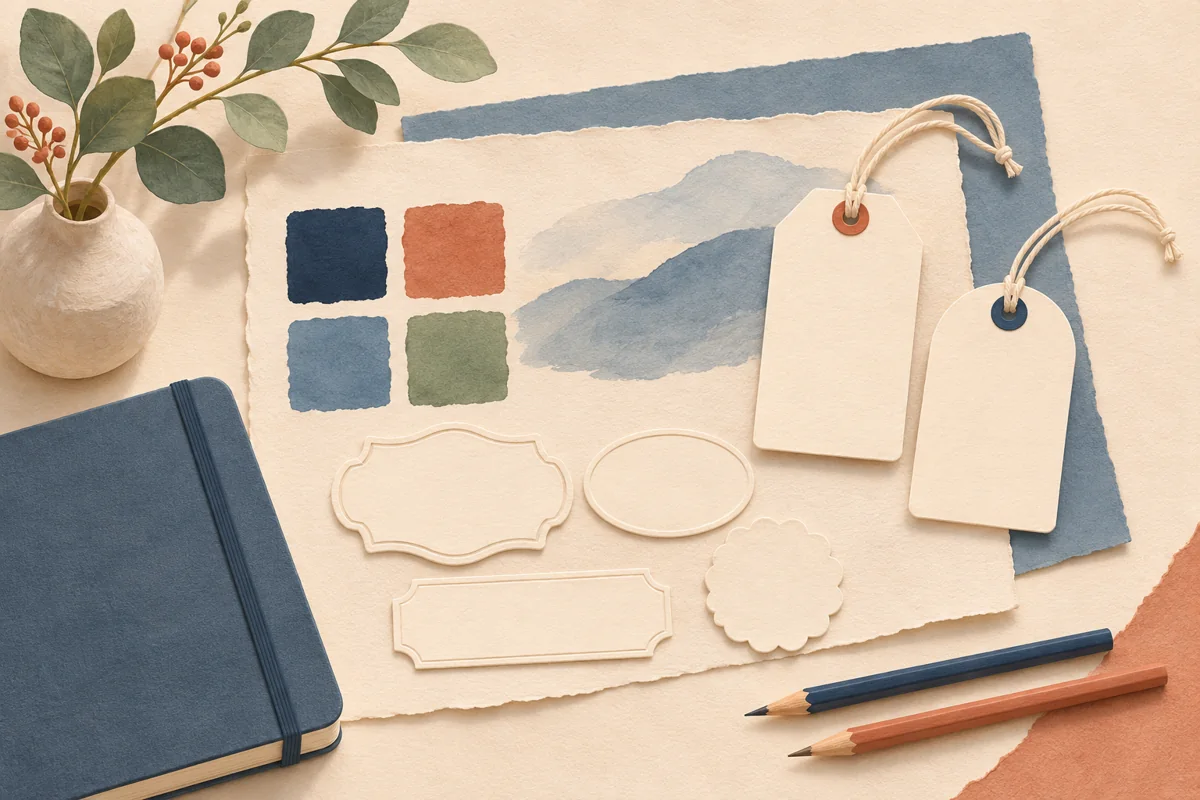
A soap band, balm tin and gift-box sticker can look like one collection even when their layouts are different. Shared logos, colors and type roles help connect them. A Canva Brand Kit gives eligible accounts a place to organize those assets before they are used in individual designs.
01
Choose the assets the range actually uses
Begin with the files you would give a new designer. Include the current shop logo, an alternate version that works in a narrow space and any small emblem used repeatedly.
For an illustrative bath collection, the horizontal logo could serve a soap band while a compact emblem fits a balm lid. Give each file a descriptive name and show where it belongs.
02
Check the Brand Kit features in your account
Canva’s Brand Kit help describes access by subscription and team role. Features such as multiple kits, uploaded brand fonts and linked folders have their own eligibility rules. Check the options available to your account before assigning a teammate a workflow that depends on them.
If a feature is unavailable, keep an approved reference page with the logo files, color values and type choices you can use.
03
Assign a purpose to each color and type style
Record one color for the main text, one for a quiet background and a limited set of variant accents. Describe their purpose beside the values. A scent accent should not become the background for tiny directions unless you have tested that combination for readability.
Give the type styles practical roles such as product name, variant name and supporting information. Try the roles on a soap band and a small balm lid.
| Asset role | Example instruction |
|---|---|
| Main logo | Use on the wide front panel. |
| Compact emblem | Use where the main logo cannot read at size. |
| Text color | Keep consistent across all product variants. |
| Variant accent | Pair with a written scent name. |
04
Apply the styles to one complete product set
Create one representative soap band, lid sticker and gift-box label using the approved assets. Print the three together and place them on the packages. Compare how the logo and text look across the different surfaces before adapting the rest of the collection.
Watch for a compact design that uses a different font simply because the long logo no longer fits. Try the approved emblem or a revised arrangement first. Give each shape enough room to do its job while keeping the shared identity visible.
05
Review existing designs when the brand changes
When you replace a logo or revise a palette, identify the label masters that need review. Open and compare the actual designs before ordering new stock. Keep an approved export and a paper proof for each package shape so you can tell which version is ready.
Use a short handover note for helpers explaining where approved assets live and who checks new variants. A shared kit supports consistent choices, while a final package review catches a wrong scent, an old address or an awkward line break.
BEFORE YOUR NEXT STEP
Your practical checklist
- Keep only clearly identified approved assets.
- Check plan and role access before sharing a workflow.
- Test type and colors on the smallest label.
- Review label masters after a brand change.
Questions & answers
Do I need a Brand Kit to edit a label template?+
Check the template listing and the assets it uses. A Brand Kit is an optional way to organize your brand assets and has separate Canva account requirements.
Can one kit cover different package shapes?+
Yes, use the same identity assets and create a separate layout master for each shape. Proof each master at its actual printed size.
Sources & further reading
Official references for the technical points in this guide. Check current specifications before production.