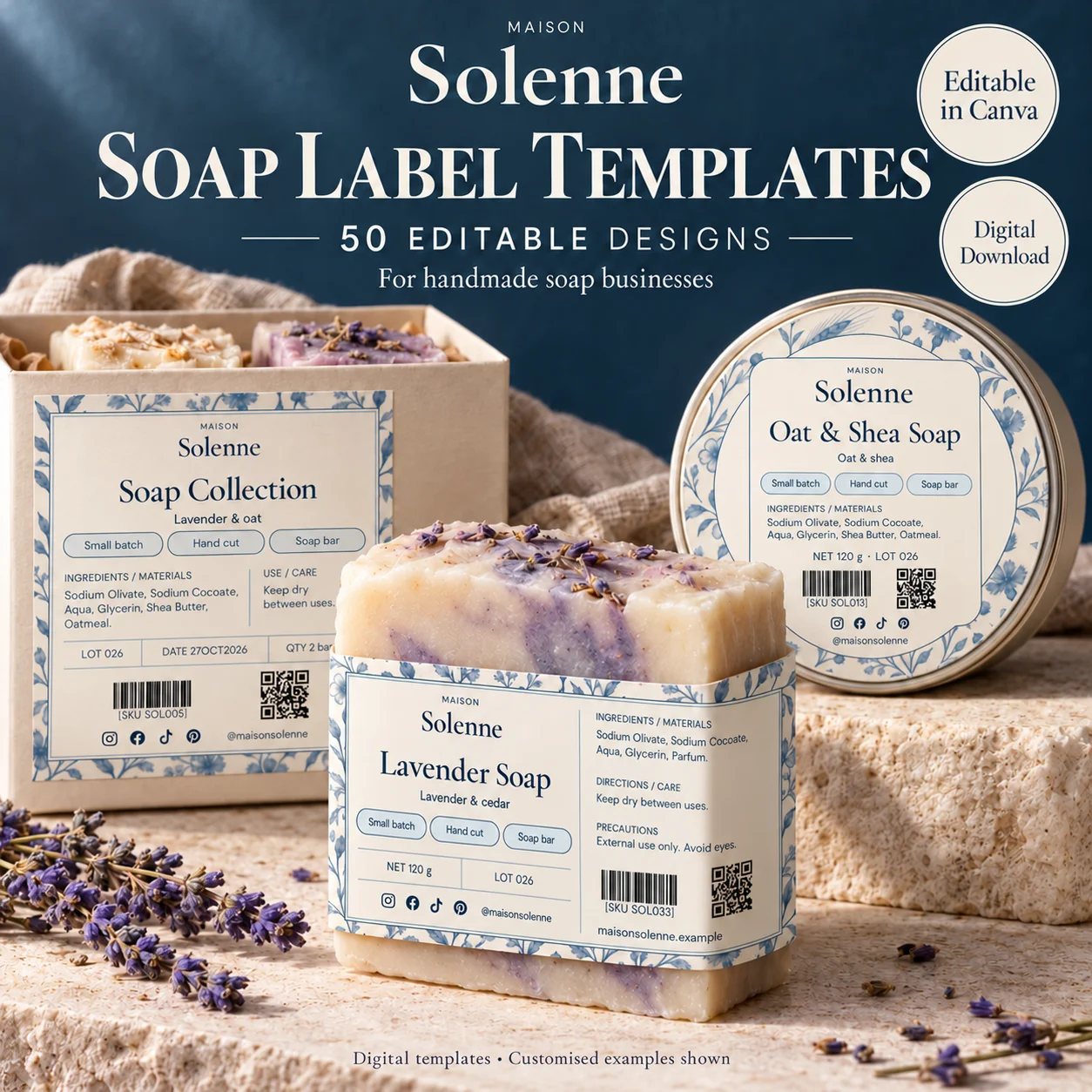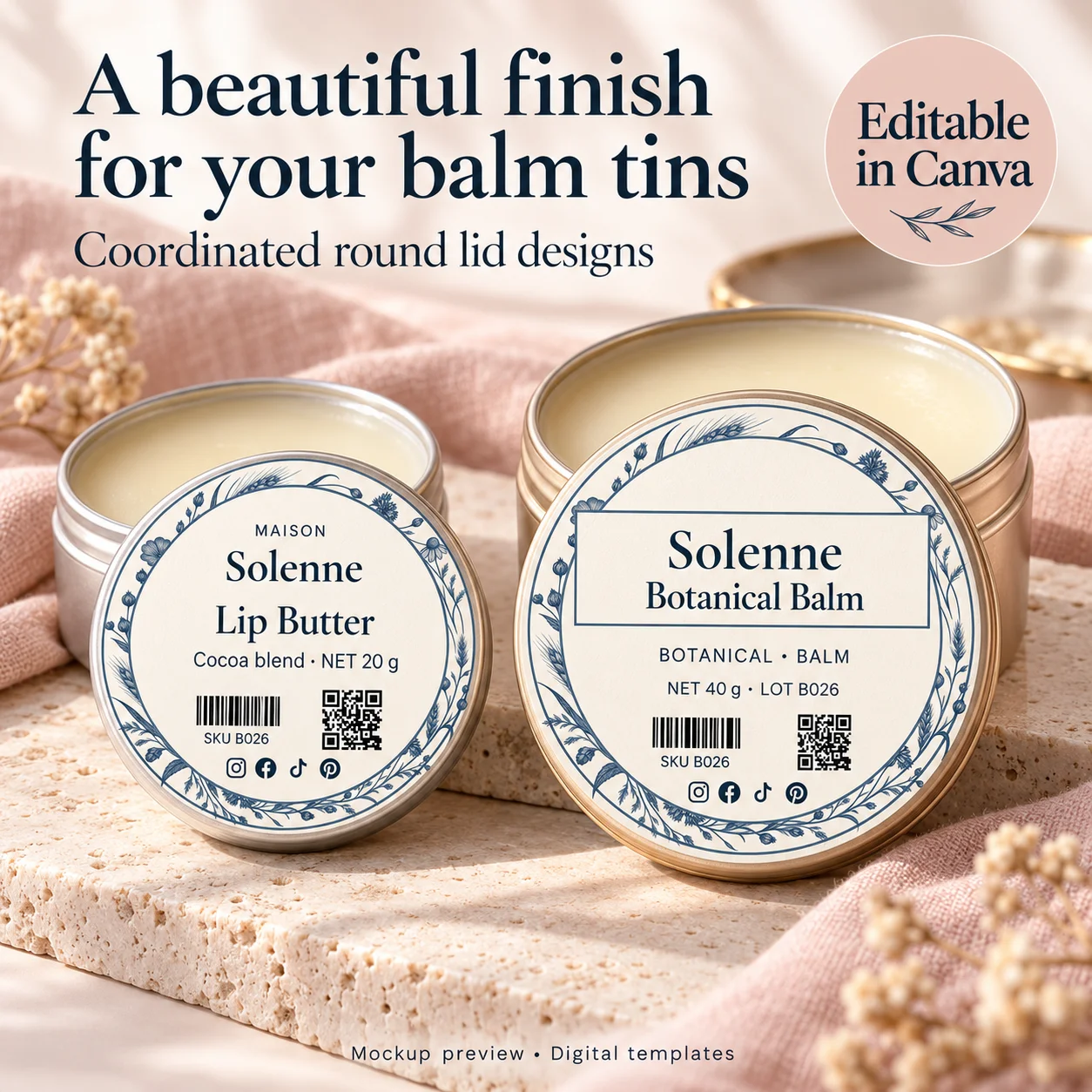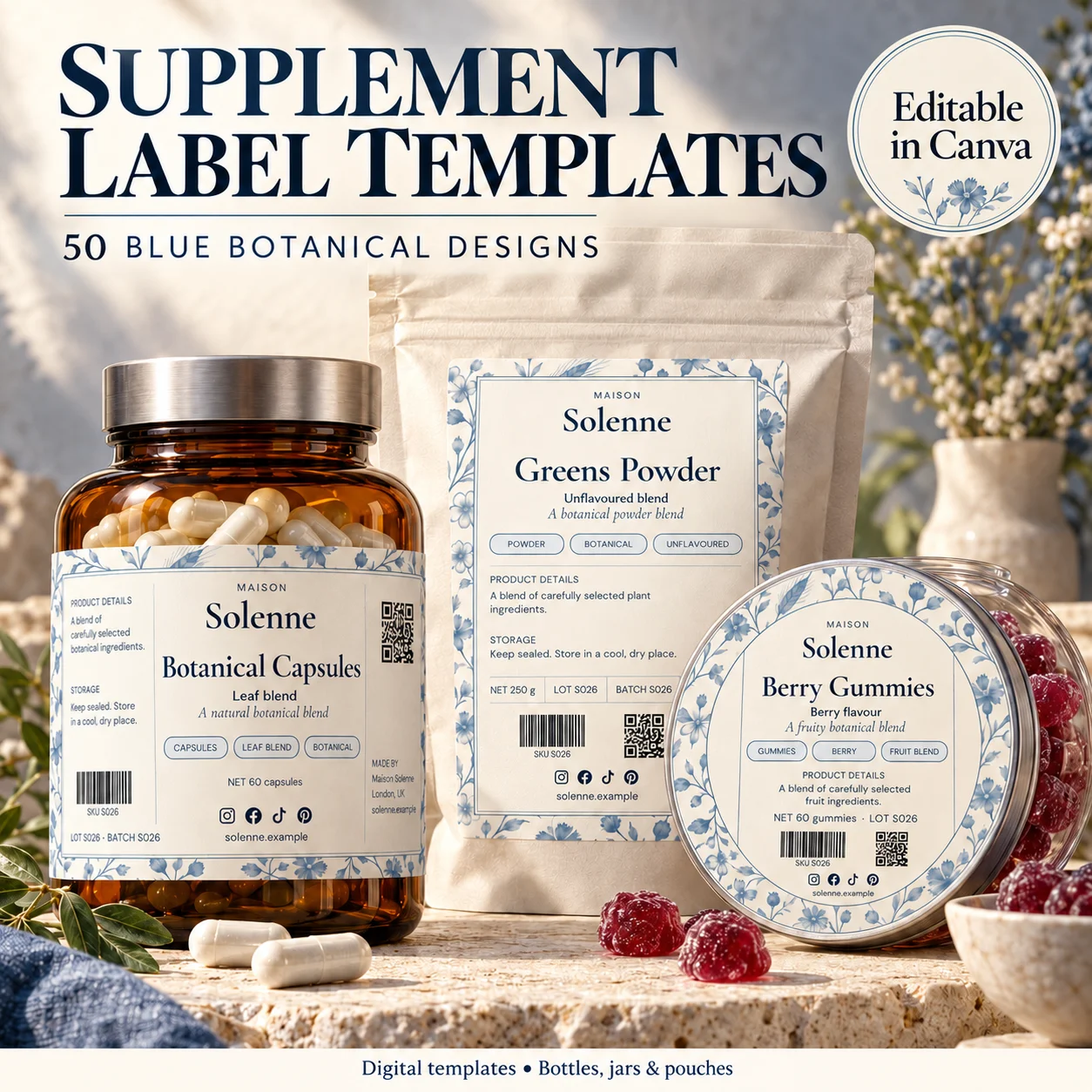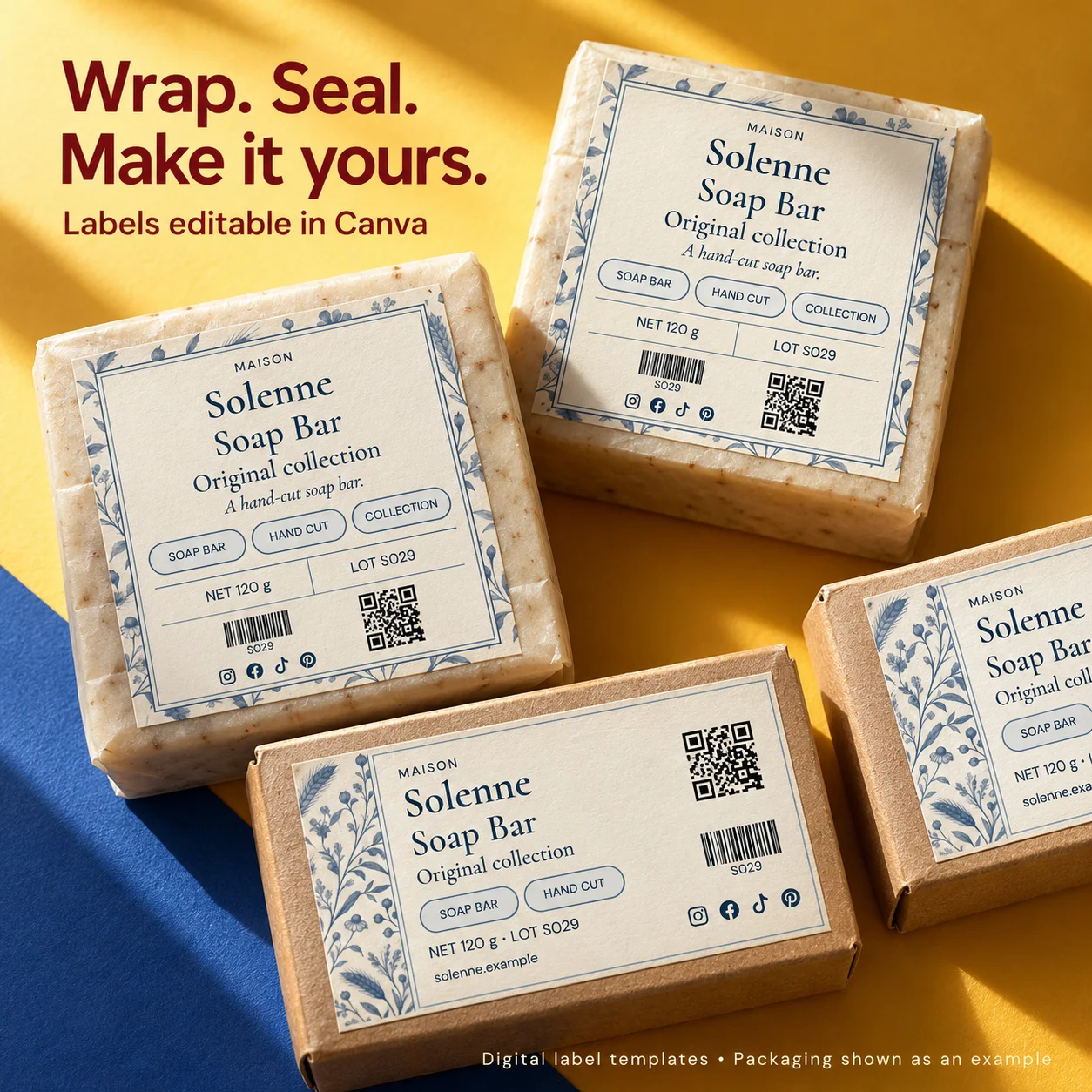
The best font for a product label is one your customer can read in the situation where the package is used. A display typeface can add personality, but the whole label should not demand the same attention. Give each level of information a clear role, then judge the result at its actual printed dimensions rather than at a comfortable editing zoom.
01
Give every typeface a job
Start with a small number of type styles. One can introduce personality in a headline or brand treatment; another can carry supporting wording cleanly. If you choose a decorative or script face, test it on the actual words you need, especially longer names and characters that look similar.
Write down which style belongs to the brand, product name, variant and body information. This small type map keeps later labels consistent. You can build a visually rich range with changes in size, weight and spacing instead of introducing a new font for every new line.
02
Set the hierarchy before choosing the smallest text
Arrange the information in reading order. The product identity should remain distinct from a collection name, decorative phrase or logo. Give related lines a clear relationship through spacing and alignment. A reader should not have to interpret every line at the same visual volume.
When the label feels crowded, remove or relocate optional elements before reducing all type sizes. Extra badges, ornaments and long promotional lines can consume space that the practical wording needs. A smaller number of clear decisions usually creates a calmer result than many competing styles.
03
Test at the finished physical size
A label that fills your monitor may be only a few centimeters wide in print. Canva recommends an actual-size printed proof as a way to evaluate font size and image quality. Check the smallest text in normal room light, with the label applied to the real container.
Ask someone unfamiliar with the layout to find the product name and read the supporting information. Notice hesitation, rather than only asking whether the label looks nice. If the text is hard to read, consider font weight, line length and spacing as well as size.
04
Keep contrast and backgrounds under control
Fine lettering over a busy botanical illustration is more demanding than the same lettering over a quiet panel. Try moving the art away from the information instead of adding a stronger text shadow. Use the actual printed proof, since paper and ink can change the contrast you perceived on screen.
Clear stock needs special attention because the package becomes the background. A pale liquid, a dark jar and a textured pouch can make the same artwork look different. Proof on the intended surface before deciding that a font or color is readable enough.
05
Adapt long names and required information carefully
Create test labels using the longest product and variant names in your range. Establish acceptable line breaks so a new version does not produce an awkward isolated word or a compressed text block. Keep the same logical order even if a different package needs a different arrangement.
There is no universal font-size rule that makes every product label compliant. Requirements can depend on category, package area, statement type and jurisdiction. Keep that review separate from aesthetic preference, and save the approved text styles with the final artwork so later revisions do not undo them.
BEFORE YOUR NEXT STEP
Your practical checklist
- Limit the number of competing type styles.
- Define a consistent information hierarchy.
- Test the longest product names.
- Read the actual-size print on its real background.
Questions & answers
What point size should every product label use?+
There is no single answer for all labels. Consider the physical package, font characteristics, readability and any rules applying to the specific statement and market.
Can I use a script font for ingredients or instructions?+
Test whether it remains clear at the required physical size. A simpler supporting typeface is often easier to read for longer practical text.
Sources & further reading
Official references for the technical points in this guide. Check current specifications before production.