An attractive product photograph can help you discover a label template, but it cannot answer every buying question. You need to know whether the editable layout fits your package, leaves room for your own text and works with your intended print process. This guide is a pre-purchase decision framework for choosing a Canva label template, rather than a tutorial on editing a template you already own.
01
Begin with a package and wording brief
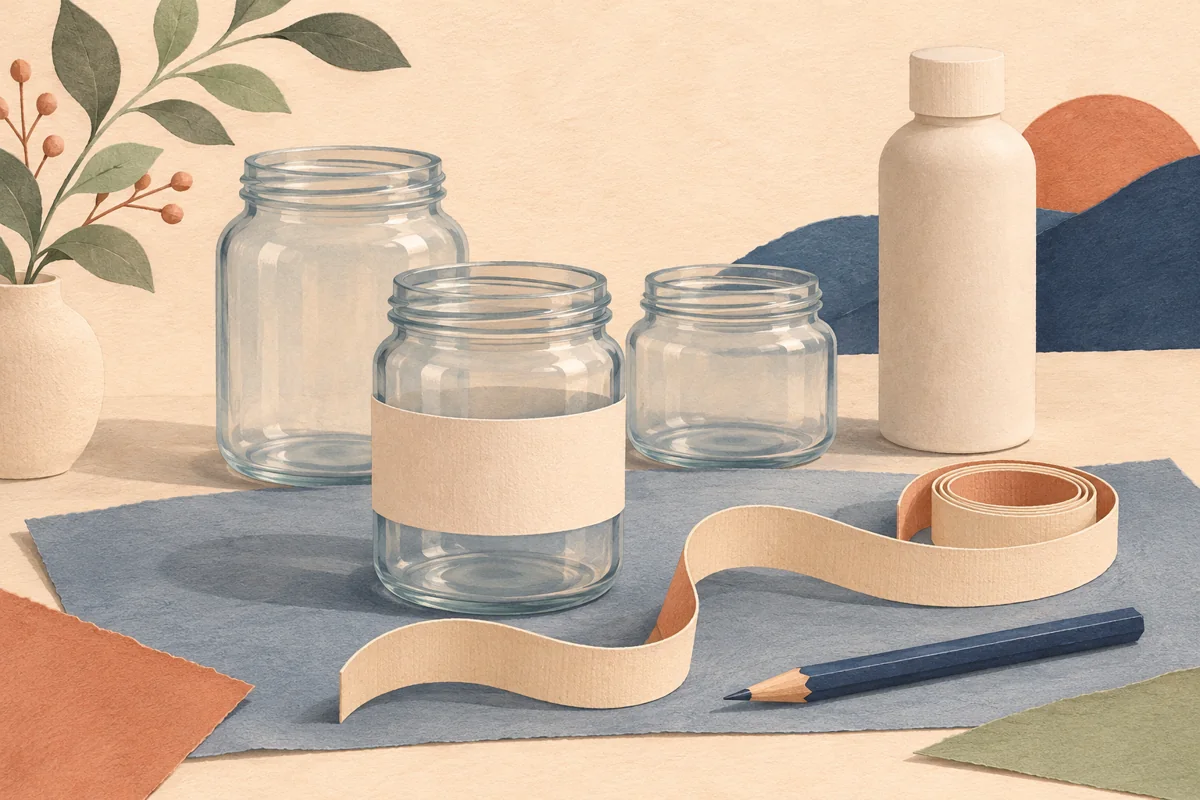
Measure the usable label area on your exact container and note the front, supporting panel and any lid opportunity. Write the text you need to include before looking at decorative styles. Identify the longest product name and the most information-heavy variant. These details give you a useful brief against which to compare templates instead of choosing only by the mood of a marketing image.
For a hypothetical soap box, your brief might call for a narrow front panel, a separate information panel and a clear place for the variant name. A wide jar label may share your preferred artwork style but still require substantial adaptation. Ask whether the available format is appropriate rather than assuming that every rectangular design can be resized to every rectangular package without compromising readability.
02
Inspect the layouts, not only the mockups
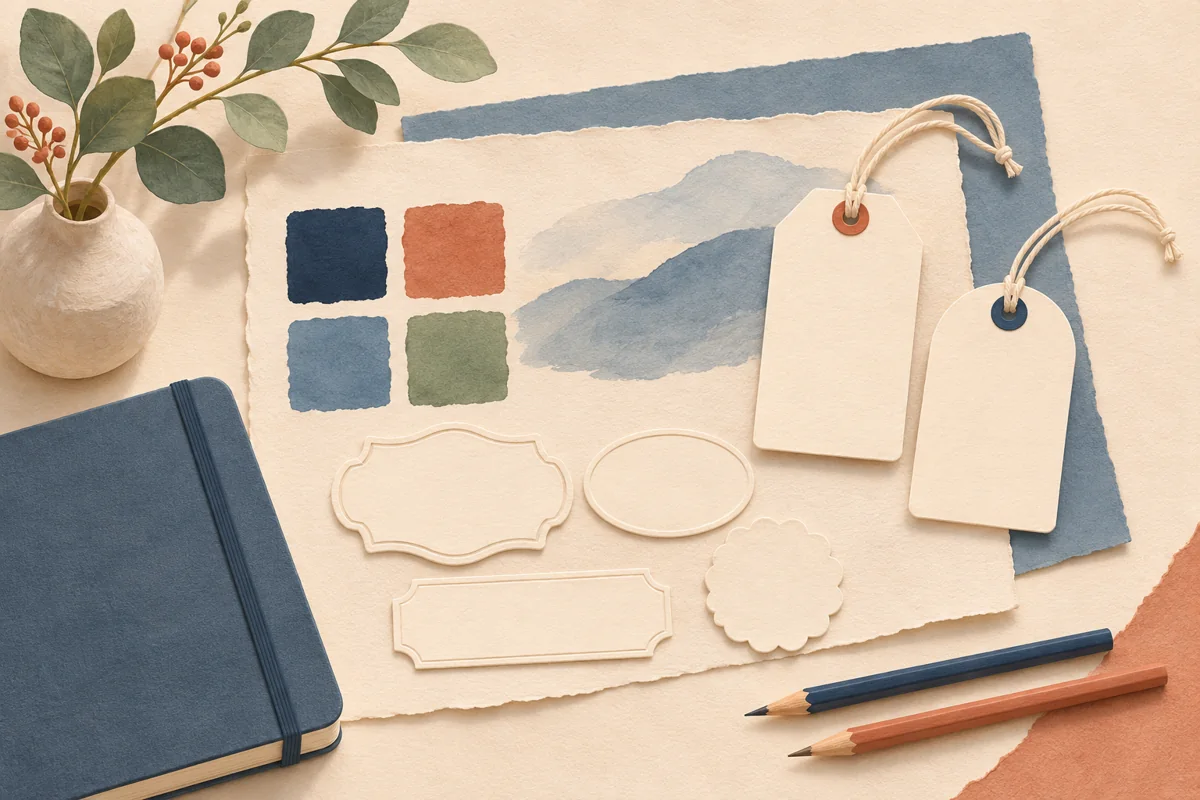
Look for actual artwork previews that show the structure of the template: title space, supporting text, borders and different formats. Product mockups demonstrate a possible presentation, but the package shown may not match your container. Compare the editable layout dimensions with your own measurements. A label that looks large and clear in a close-up photograph may contain very small wording when printed at its intended size.
Treat layout counts carefully. A collection can include mixed formats and variations rather than supplying every design in every size. Decide which specific pages are useful for your products. If an important format or dimension is unclear, ask the seller before purchasing. A smaller set that fits the brief can be more practical than a larger collection that needs extensive restructuring.
| Buying question | Useful evidence |
|---|---|
| Will it fit? | Actual dimensions and a paper mockup on your package |
| Can it hold my wording? | Readable artwork preview with comparable text length |
| What can I edit? | A clear list or demonstration of editable elements |
| What will I receive? | Delivery and access instructions for the included files |
03
Check editing and account requirements explicitly
Confirm that the product is a Canva template and learn which elements can be edited. Text wording, colors, artwork and page dimensions are separate capabilities; do not assume all of them are equally adjustable. Ask whether the supplied design uses features or assets that require a paid plan, and whether any optional substitutions would change those requirements. Read the particular listing rather than relying on a general Canva badge.
Also check what the seller means by ready to print. You still need to replace sample wording, check layout dimensions and export for your chosen printer’s instructions. A template can provide a useful starting point without being pre-approved for every label sheet or commercial print process. Confirm how you will move from the editable design to the actual print format you need.
04
Understand the delivery and usage terms
Check whether the download contains access instructions, a link, guidance files or additional printable exports. Know which account you will use to open the template and where the purchase and download messages will arrive. If several people manage the business, decide who will keep the original access information and the editable master so the next batch does not depend on someone finding an old email.
Read the permitted use for the product itself. Using a design on packaging for items you sell is different from reselling the editable template, redistributing its access link or selling its artwork as a separate digital product. Do not infer permission from a photograph of a commercial-looking package. Use the supplied terms and ask about any intended use that is not clearly covered.
05
Use a short go-or-no-go comparison
Compare your strongest candidates using the same brief. First eliminate those with an unresolved size, account or usage requirement. Then assess the visual fit and amount of adaptation needed. Include the time required to replace wording and proof a package as part of the decision. A low purchase price does not remove those tasks, and a higher price does not prove that the necessary format is included.
Once you choose a template, keep the listing details and access instructions with your project record. Make a working copy, enter your approved wording and prepare an actual-size paper draft before ordering materials in quantity. If the proof reveals a major mismatch, return to the brief rather than forcing the text into an unsuitable layout. The best starting point is the one that supports a clear, usable finished label.
BEFORE YOUR NEXT STEP
Your practical checklist
- Measure the intended package and collect the final wording.
- Check actual dimensions and representative template pages.
- Confirm editable elements and Canva account requirements.
- Understand delivery, support and permitted use.
- Print an actual-size draft before committing to a large material order.
Questions & answers
Does editable in Canva mean no Pro subscription is needed?+
Not automatically. Check the specific product’s account and asset requirements. A seller should state whether the supplied templates can be used with a free account.
Are 50 layouts the same as 50 sizes?+
No. A layout count may include different designs and formats. Confirm which dimensions are included and whether those match the package you intend to label.
Will a template make my product label compliant?+
No. The design does not replace a check of your product information, claims and applicable labeling requirements. Review those separately before selling.
Sources & further reading
Official references for the technical points in this guide. Check current specifications before production.