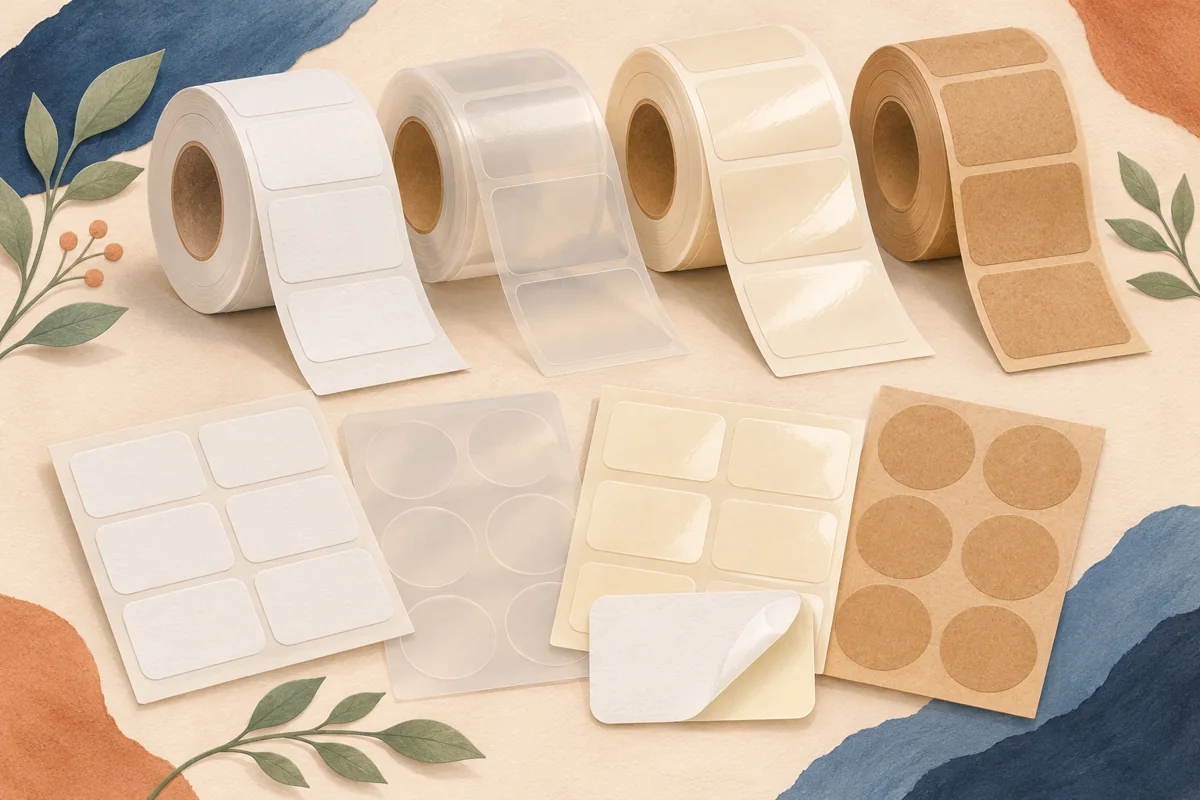
A white-looking sticker is not necessarily opaque enough to hide an old mark. When you need to update suitable packaging, the previous print becomes part of the material-selection problem. Build a sample around the darkest and most awkward existing area before deciding that a new design will cover it cleanly.
01
Inventory the marks that need to be covered
Collect representative packages with the actual old printing, not a clean sheet that merely resembles it. Include dark text, colored blocks, old codes and any variation in their positions. Identify the reason for the change and which information must remain visible. Do not let a decorative cover-up obscure a field that still belongs with the product.
For an illustrative gift carton, suppose an old promotional panel has a dark border and a small code near one edge. Compare a cover-up outline against both features. A design that covers the central words while leaving a fragment of the code exposed can create a confusing package even if the new artwork looks attractive.
02
Ask for opacity, not simply a white surface
Avery describes block-out labels as a category intended to conceal underlying markings. Use that functional requirement in the brief and request the exact material reference offered by your provider. Ordinary white paper, a white background in your artwork and a purpose-made opaque construction are not interchangeable descriptions of the finished result.
Tell the supplier about the existing surface, whether a label is already attached and how the package will be handled. Ask whether the proposed construction is suitable for that layered surface. The material needs to hide the old print while forming an appropriate bond; visual coverage alone does not answer the adhesion question.
| Proof check | Inspect on the real sample |
|---|---|
| Show-through | Darkest old text and graphics |
| Outline coverage | Edges, shifted printing and old code fragments |
| New identity | Clear current wording and one unambiguous active code |
03
Make an obscuration proof and a placement proof
First compare the printed sample over the darkest old area under normal display lighting. Check blank regions as well as dark parts of the new design, since a large white space can reveal show-through that a busy image disguises. Review the package from both the front and the side where a raised label edge may become apparent.
Then apply samples using the intended packing method. Account for realistic placement variation without hiding adjacent information. If a code is being replaced through an approved process, make sure the final package cannot present two competing readable versions. Use the actual operational scanner where relevant rather than judging the result only by eye.
04
Control the update as a documented release
Keep the new artwork revision, approved old-package version and application position together. Separate packages that can receive this update from those needing another treatment. An opaque label can support an appropriate correction or branding change, but it should not be used to conceal unresolved product information, an uncertain identity or an unsuitable package.
Adapt the Canva layout to the approved cover-up outline and verify the wording before export. The editable design is separate from the physical opaque stock and the decision to relabel an item. Request a fresh review if the old artwork, package finish, label supplier or code position changes on the next batch.
BEFORE YOUR NEXT STEP
Your practical checklist
- Collect the darkest representative old packages.
- Specify an opaque cover-up construction.
- Check show-through and edge coverage separately.
- Document which package versions can receive the update.
Questions & answers
Will printing a white background cover the old label?+
Not necessarily. Coverage depends on the complete stock and printing construction. Request an obscuration sample over the actual old print.
Should the new label match the old label’s exact outline?+
Choose an outline that covers the intended area under the real application tolerance while preserving other needed information. Validate it physically instead of relying on the screen overlay.
Sources & further reading
Official references for the technical points in this guide. Check current specifications before production.

