
How to Print Labels at Home Without Alignment Problems
A practical home label-printing workflow covering sheet templates, printer settings, actual-size proofs and alignment checks before a full batch.
Read the guideTHE HERDIGITALART GUIDE LIBRARY
Compare label stock, understand print specifications and diagnose output problems. Use the guides to prepare a measured proof before committing to a larger order.
87 practical guides
A practical home label-printing workflow covering sheet templates, printer settings, actual-size proofs and alignment checks before a full batch.
Read the guide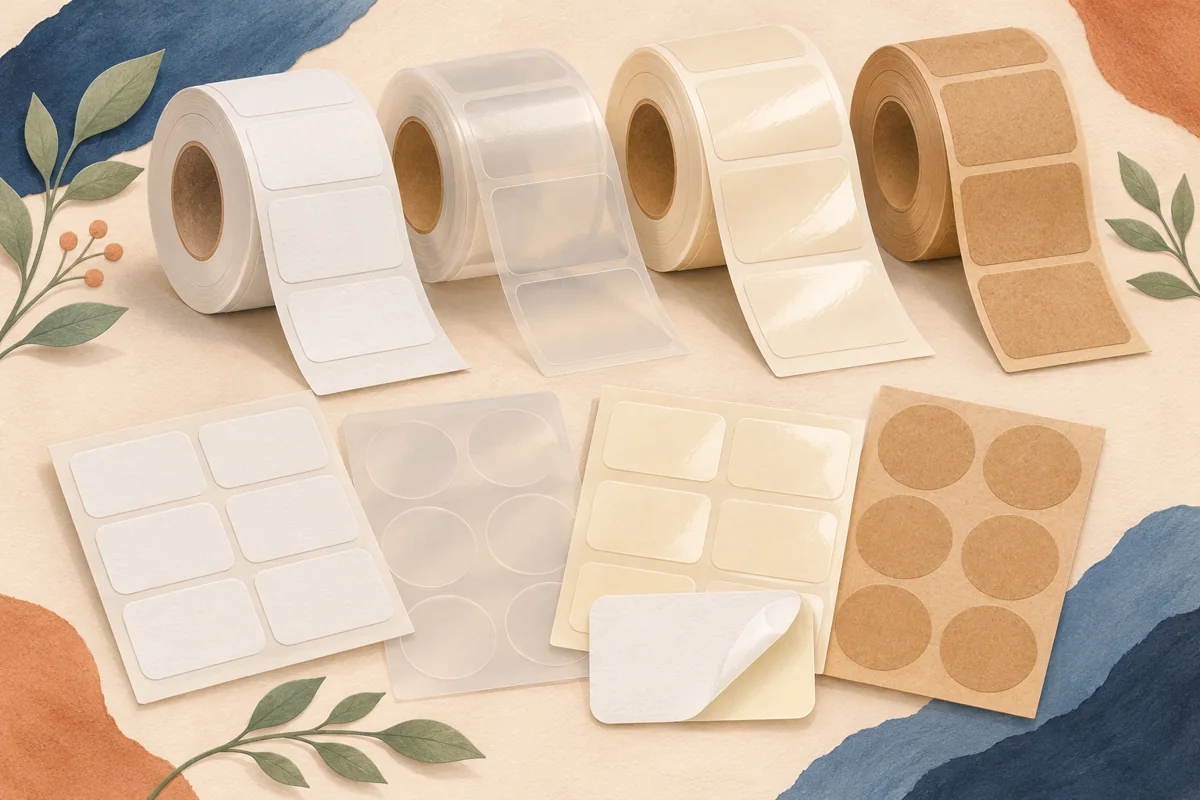
Compare matte paper, glossy paper and film labels by printer compatibility, moisture exposure, readability and cost per usable finished label.
Read the guideFix sheet-label alignment by separating a constant offset, increasing drift and uneven feeding. Use a plain-paper test and a written correction record.
Read the guideA practical home label-printing workflow covering sheet templates, printer settings, actual-size proofs and alignment checks before a full batch.
Read the guideCompare matte paper, glossy paper and film labels by printer compatibility, moisture exposure, readability and cost per usable finished label.
Read the guideUnderstand the difference between waterproof and water-resistant labels, and test the complete combination of stock, print and adhesive.
Read the guideCompare home and professional label printing using batch size, material needs, setup time, waste and cost per usable finished label.
Read the guideAdd a useful QR code to packaging with a stable destination, clear space, adequate contrast and a real-container scan test before printing.
Read the guideTroubleshoot lifting corners, wrinkles and bubbles by checking label fit, surface preparation, application technique and the material specification.
Read the guideChoose between clear and white product labels by testing contrast, background color, print capabilities and the appearance of the complete package.
Read the guidePrepare artwork for brown kraft labels with a deliberate contrast plan, a restrained layout and a physical print proof on the chosen stock.
Read the guideChoose a matte or glossy label finish by comparing readability, lighting, product photography and handling on otherwise matched samples.
Read the guideChoose compatible label stock for an inkjet or laser printer, compare practical workflows and plan a proof before buying supplies or equipment.
Read the guideReview label colors with a controlled physical proof, the chosen paper or film, and the print supplier’s workflow rather than chasing a screen match.
Read the guide
Compare BOPP candle label quotes by film, adhesive, finish and file requirements. Use a simple sample order before committing to a production roll.
Read the guide
Remove an old jar label, clean remaining adhesive and prepare a smooth surface for a new label. Work through paper and film labels in a clear order.
Read the guide
Choose soap wrapping paper by fold, finish and label adhesion. Make a cut-size proof, check the rear seam and plan a repeatable wrapping method.
Read the guidePlan a self-adhesive overlaminate for printed stickers. Compare sheet and individual-label methods, check cutting clearance and test the finished label.
Read the guideChoose printable vinyl sticker paper by printer compatibility, finish, adhesive and handling. Use a small proof to compare two materials fairly.
Read the guideChoose a removable label for temporary product information. Test the surface, dwell time and removal before using the same stock across a collection.
Read the guideCompare digital and offset label quotes by quantity, design versions, setup, proof and usable finished labels. Work through a small-batch example.
Read the guideFix sheet-label alignment by separating a constant offset, increasing drift and uneven feeding. Use a plain-paper test and a written correction record.
Read the guideKeep label dimensions accurate when printing a PDF. Check document size, turn off automatic fitting and measure a proof before using adhesive sheets.
Read the guideMatch a label template to its sheet dimensions, label size, pitch and margins. Learn why the same number of labels does not guarantee a usable match.
Read the guideCompare A4 and US Letter dimensions for printable labels. Check stock, template and driver settings before converting a sheet layout between sizes.
Read the guideSeparate printer margins, label bleed and text safe areas. Map the printable area before placing a full-color design near the edge of a sheet.
Read the guideUnderstand why borderless photo settings can shift label artwork. Check stock compatibility, image expansion and edge coverage before approving a sheet.
Read the guideStore blank and printed label sheets so the next batch is ready to use. Plan packaging, shelf location, stock rotation and a simple inspection record.
Read the guideCheck application temperature, service conditions and adhesive settling instructions before labeling chilled jars, warm containers or packages exposed to condensation.
Read the guideSpecify roll winding with a supplier diagram and your applicator requirements. Check leading edge, print orientation, core and roll dimensions before ordering.
Read the guideCompare a shaped individual sticker with a peelable label supported by its liner. Clarify cut depth, backing shape and delivery format before ordering.
Read the guidePlan white lettering and white underprint for specialty label materials. Check printer capability, selective opacity and a proof on the actual package.
Read the guideCompare film lamination and liquid varnish for product labels. Ask about handling, package flexibility, write-on areas and finished-material proofs.
Read the guideReview a label proof by content, dimensions, material and production details. Keep revision control and a written approval that identifies exactly what passed.
Read the guidePlan barcode space around the required symbol, printing process and package. Protect quiet zones, avoid distortion and arrange a finished-label quality check.
Read the guideEvaluate recycled-content label stock without assuming every layer is the same. Check supplier specifications, artwork appearance and the complete package.
Read the guideCompare direct thermal and thermal transfer printing for small business labels. Match printer, media and ribbon, then test the finished code in use.
Read the guideChoose oil-resistant product labels by checking material, print, finish and adhesive together. Plan an actual-product contact trial before ordering a full run.
Read the guideRead a carton outline before placing candle artwork. Mark front panels, folds, glue areas and windows, then check the flat proof as an assembled box.
Read the guide
Compare tags and stickers by surface, opening, information space and packing effort. Build a sample that keeps product identity connected to the item.
Read the guideCreate a gift tissue paper plan with logo spacing, fold tests, supplier artwork checks and a practical small-order alternative.
Read the guidePlan a foil accent for product labels, distinguish real foil from a printed gold color and prepare a clear brief for the print supplier.
Read the guidePlan embossed label artwork with a focused tactile detail, a supplier-approved production file and a physical package sample.
Read the guidePlan selective gloss on product labels with a finish map, readable contrast and printer-approved artwork preparation.
Read the guideEvaluate a soft-touch label finish with matched samples, real handling and a clear construction specification before ordering.
Read the guideChoose printer-compatible metallic label paper and plan contrast, color and white areas on the actual reflective material.
Read the guideCompare textured label papers using a detail proof, a filled container and a supplier-confirmed material construction.
Read the guideCompare coated and uncoated label papers using printed color, detail and handling samples instead of judging them by finish names alone.
Read the guideCompare flexographic and digital label quotes using setup, variants, repeat orders and approved material requirements for your real product range.
Read the guideCompare direct bottle screen printing with adhesive labels by artwork stability, container supply, variants and the information that may need updating.
Read the guideTroubleshoot label smudging by identifying printer compatibility, media settings, drying and later handling before changing the entire design.
Read the guideInvestigate repeated lines on label prints with an export check, a control page and the printer manufacturer’s diagnostic sequence.
Read the guideTroubleshoot label-sheet jams with a compatibility check, intact stock and the printer’s prescribed feed and removal instructions.
Read the guideInvestigate label curling before printing or application, separate it from edge lift on a container and preserve useful evidence for the supplier.
Read the guideUnderstand what a clear label’s backing contributes during proofing and application, and compare the label on the actual container before approving it.
Read the guidePrepare fine label illustrations and borders using printer-specific line requirements, positive and reversed details and a controlled comparison proof.
Read the guideWrite a clear label-printing brief with dimensions, quantities, material requirements, artwork status and approval responsibilities.
Read the guideCompare PET polyester and BOPP product labels by print format, adhesive, finish and actual-package proof rather than treating the film name as a performance guarantee.
Read the guidePlan a squeezable-label comparison around bottle movement, label placement and a complete film-and-adhesive specification before choosing MDO stock.
Read the guideChoose freezer label samples using the application stage, storage conditions and condensation cycle. Build a packing-to-handling test record before ordering.
Read the guideCompare wet-strength paper label samples for chilled packaging. Separate the paper’s moisture response from ink protection, adhesive performance and long exposure.
Read the guideDecide whether a temporary smooth-surface display needs static cling or an adhesive label. Compare the viewing side, surface, removal and product-identification role.
Read the guidePlan a holographic label with controlled effect areas, supplier-approved white ink and a rotating-container proof that checks the name under changing light.
Read the guideChoose a cover-up label by testing the darkest existing print, complete edge coverage and the new label’s readability on the actual package.
Read the guidePrepare a two-view label brief for clear bottles and containers. Separate front and reverse artwork, opacity and printer-managed production layers.
Read the guideCompare embedded PDF text with outlined letter shapes, preserve an editable label master and agree the printer’s font workflow before approving production.
Read the guideUnderstand overlapping ink behavior, flag white-text risks and review printer-prepared separations before approving specialty label artwork.
Read the guideRecord core inside diameter, maximum roll size and media width separately so a correct label design arrives on a roll your equipment can use.
Read the guideCompare stacked fanfold and wound roll media, check model-specific feed requirements and organize the bench for reliable variable-label printing.
Read the guideIdentify the media detection method, match printer settings to the liner and use a controlled calibration record before changing a variable-label layout.
Read the guideSeparate liner perforations from tear features in the label face. Write a clear printer brief and check the intended separation on physical samples.
Read the guideBrief a functional reclosure label around the opening, grip area and repeated use. Keep brand artwork distinct from the supplier-approved closure system.
Read the guideCompare paper grain, crease positions and printed coverage when planning packaging bands. Approve the actual folded stock rather than relying on a paper dummy.
Read the guideCreate an ICC profile handoff record that distinguishes source artwork, proof simulation and the printer’s final conversion.
Read the guideBrief the printer on small black type and large dark panels without copying a universal rich-black formula.
Read the guideReview dark artwork against a printer-specified ink-coverage limit and keep findings separate from ordinary color comments.
Read the guideSeparate the finished cut size from the PDF page boundary when checking a label file with your printer.
Read the guideUnderstand what to ask when a printer requests PDF/X and keep compliance checking separate from visual approval.
Read the guideCreate a focused review of artwork affected by transparency preparation instead of flattening every design without a plan.
Read the guideUse a printer-agreed simulation for color discussion while separating screen review from physical material approval.
Read the guideCheck whether spot-color names in a label file match the printer’s intended production inks and finishing instructions.
Read the guideCheck whether export processing has changed the usable detail in label photographs and raster artwork.
Read the guideBuild a controlled gradient proof that distinguishes design transitions from repeated output defects.
Read the guideExplain important color boundaries to prepress and let the printer prepare trapping for its actual process.
Read the guideUse physical color samples for a defined decision and distinguish them from complete printed label proofs.
Read the guideSeparate an informal handling comparison from laboratory abrasion testing and preserve usable observations.
Read the guideOrganize a small-label adhesion comparison around container models, preparation and supplier-agreed conditions.
Read the guideSeparate application time, conditioning and evaluation time when comparing pressure-sensitive label samples.
Read the guideKeep representative approved labels and production records so future reprints can be compared meaningfully.
Read the guideCheck delivered label identity, quantities and representative appearance before mixing a print order into production.
Read the guide