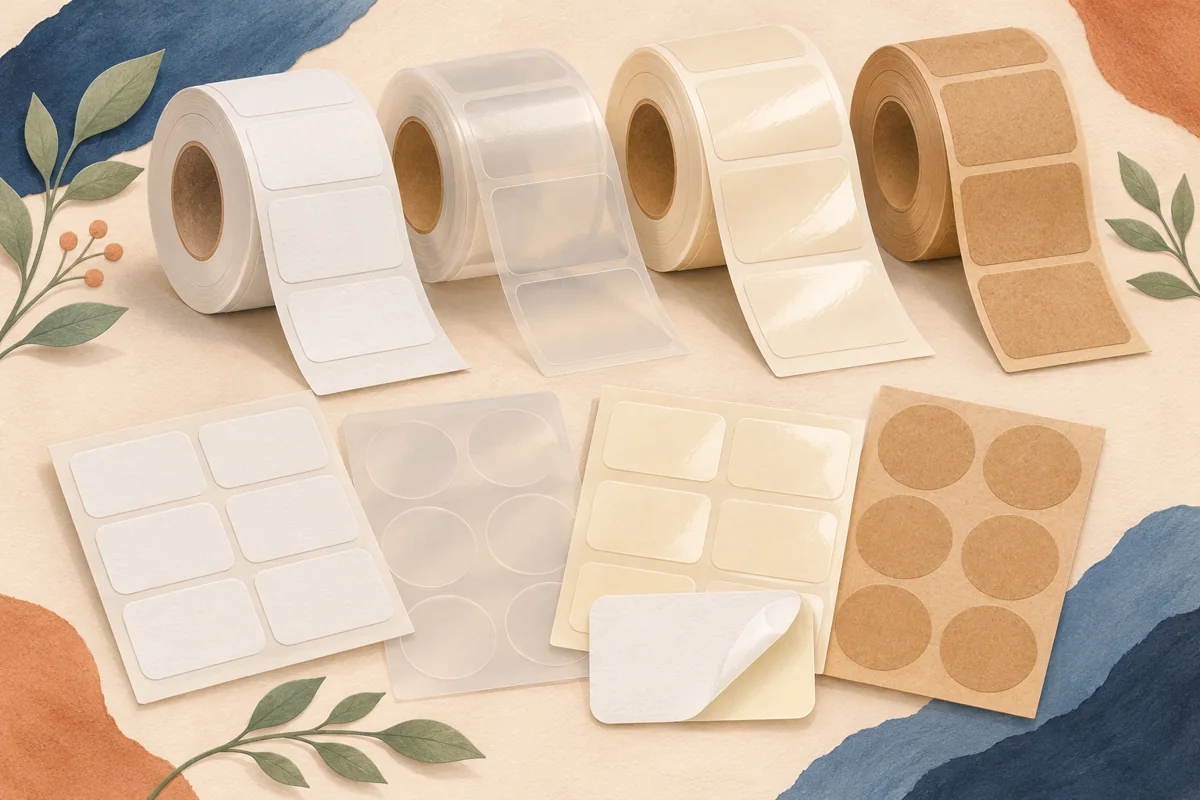
A packaging sample request email should help a supplier understand what you are comparing and what evidence you need before ordering. Asking for your best labels leaves too many choices undefined. Give the format, intended use and measurements, then request the sample type that answers the decision you are making.
01
Identify the question the sample must answer
A material swatch helps compare feel, opacity or finish. A blank cut sample can help check physical fit. A custom printed proof can reveal how your actual artwork behaves on the selected stock. These are different requests, and a standard sample pack may not include your artwork or exact shape.
List the product’s actual packaging conditions without turning them into unverified performance claims. For example, describe that a label will be applied to a particular glass jar and may encounter condensation. Ask the supplier which specification it recommends reviewing and what testing it expects you to perform.
02
Give the supplier a concise factual brief
Include the container material, outside shape and measured label area. State whether application is manual or uses equipment, and identify sheet or roll requirements when known. If the specification is still open, say which options you are comparing instead of pretending a draft choice is already approved.
For an illustrative jar project, an email could read: We are comparing front labels for our straight-sided glass jar. The paper fit proof is 70 by 45 mm. We apply labels by hand. Could you recommend relevant white and clear material samples and explain which sample would support an artwork proof?
| Detail | Why it helps |
|---|---|
| Container and surface | Narrows material compatibility questions |
| Measured label area | Supports a fit discussion |
| Handling conditions | Frames supplier recommendations |
| Sample type | Sets expectations about what arrives |
| Artwork status | Clarifies whether custom printing is possible |
03
Ask about limitations before treating the sample as approval
Request the material name or code, adhesive specification and compatible print process where relevant. Ask whether the sample matches the proposed production construction. A different laminate, adhesive or printing process can make a sample unsuitable as evidence for the final order.
Check whether a sample is illustrative, blank or custom printed, and whether additional proofing is needed. Avery, for example, distinguishes its material sample packs from custom prints of your design. Confirm the current supplier terms directly; do not assume a standard sample demonstrates your complete finished label system.
04
Close with a clear next step and evaluation record
Ask for the available sample options, any charges and the information needed to proceed. Do not imply that the email authorizes a production run. Keep the supplier’s reply with the project record so the promised construction and next approval step remain visible when the order is eventually prepared.
When samples arrive, label them with supplier, specification and date. Compare them against the original question on the actual package, then record which option moves forward and what remains unverified. Use that decision to brief the printer accurately rather than relying on a loose swatch whose identity has been forgotten.
BEFORE YOUR NEXT STEP
Your practical checklist
- Define the decision and required sample type.
- Provide actual container and fit details.
- Ask whether the sample matches the production construction.
- Record remaining proof requirements before authorizing an order.
Questions & answers
Is a sample pack the same as a custom proof?+
No. A standard pack may show materials and finishes without your artwork. Confirm exactly what the supplier is offering and what it can demonstrate.
Should I send the final print file immediately?+
Send the information needed for the request and clarify the supplier’s requirements first. Label drafts clearly and avoid presenting an unapproved file as production authorization.
Sources & further reading
Official references for the technical points in this guide. Check current specifications before production.