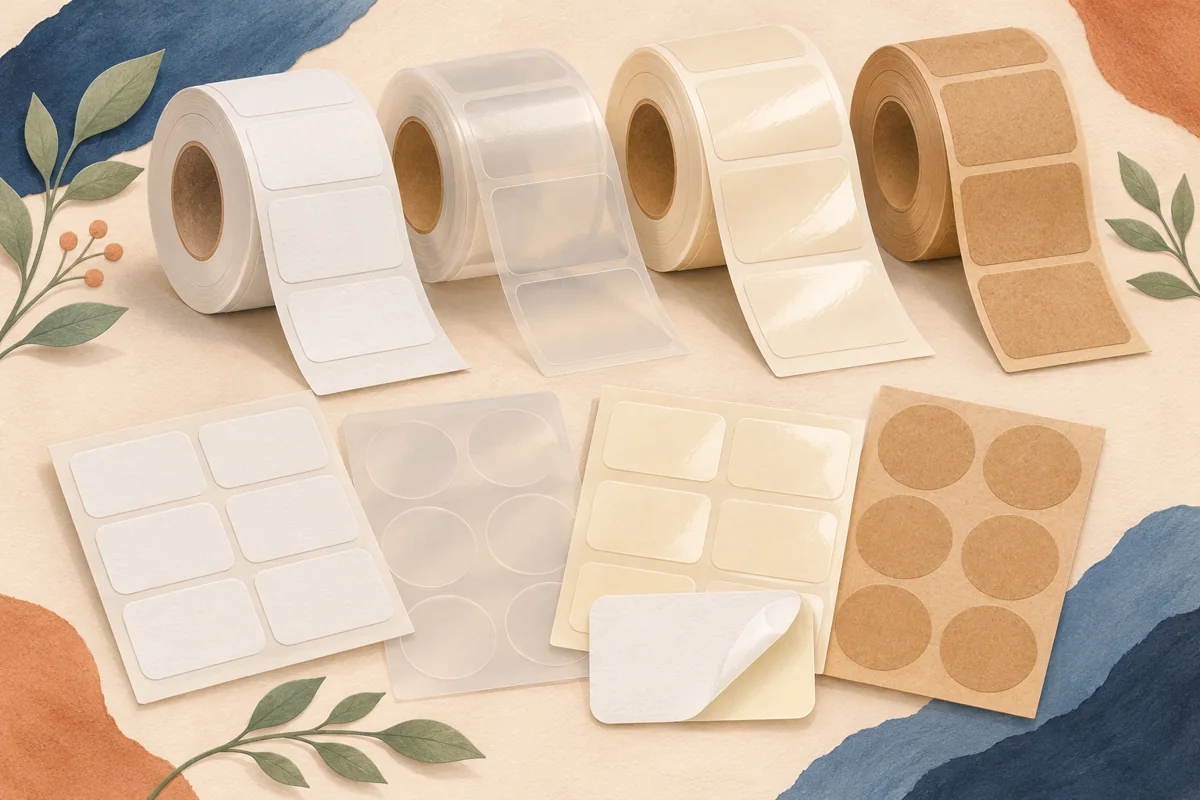
Vinyl sticker paper is a shopping term that can hide several important specifications. Two sheets described as white vinyl may need different printers or behave differently on your jar. Ask for the material code and printing instructions before choosing a pack by its finish alone.
01
Confirm the printing method before buying
Read the stock description for inkjet, laser or a specific commercial printing method. OnlineLabels explains that inkjet stocks capture liquid ink and laser stocks must tolerate the printing process. Use the material and printer manufacturers’ instructions for compatibility and media settings.
Keep that check tied to a particular product code. If a supplier sells a matte and a glossy version under the same general vinyl heading, compare both specifications. A label on the front of a box should tell you which exact sheets belong with your current print workflow.
02
Build a proof that exposes the differences
Use the same file on two candidate stocks. Include a scent name, a small information block, a thin decorative line and a solid navy rectangle. Those elements make differences in text clarity, fine detail and color easier to spot than a single large logo.
Print only the quantity needed for your proof and follow the supplier’s instructions before handling it. Write the stock code on the liner. Keep the settings and file version in a short note, so the next comparison changes only the material you are trying to evaluate.
| Specification | Question for the supplier |
|---|---|
| Printer compatibility | Which printers and inks suit this exact sheet? |
| Surface finish | How does the finish protect and display the print? |
| Adhesive | Does it suit this container and intended use? |
| Handling | What exposure and application conditions are supported? |
03
Approve the adhesive on the real container
Apply the samples to matching clean, dry containers as instructed. If one jar is coated glass and another is flexible plastic, test both. A flat piece of card is useful for judging print but gives you little information about the package you will sell.
Check the corners and any wrap seam. A long label that bends around a narrow bottle asks more of the adhesive than a small label on a flat lid. If an edge lifts, discuss the shape and surface with the supplier before making the artwork smaller.
04
Separate the material name from the finished performance
Review the completed print under the handling conditions you expect. Avery’s material guidance shows how water performance can depend on the printing method as well as the face material. Keep moisture checks separate from rubbing, oil contact and edge adhesion.
Before your next order, compare the product code with your approved sample. If the supplier changes the stock or you change the printer, run the proof again. Save a labeled sample on the packaging alongside the approved artwork and settings. It becomes a useful reference when a later batch looks different.
BEFORE YOUR NEXT STEP
Your practical checklist
- Confirm the exact stock and printer combination.
- Print the same test art on each material.
- Apply samples to the real package.
- Keep an approved physical sample and settings note.
Questions & answers
Can printable vinyl go through any printer?+
Use the compatibility information for the exact sheet and printer. A general vinyl description does not establish that match.
Should I choose glossy or matte?+
Compare both on the package under your listing and display lighting. Check readability, reflections and handling along with the appearance.
Sources & further reading
Official references for the technical points in this guide. Check current specifications before production.