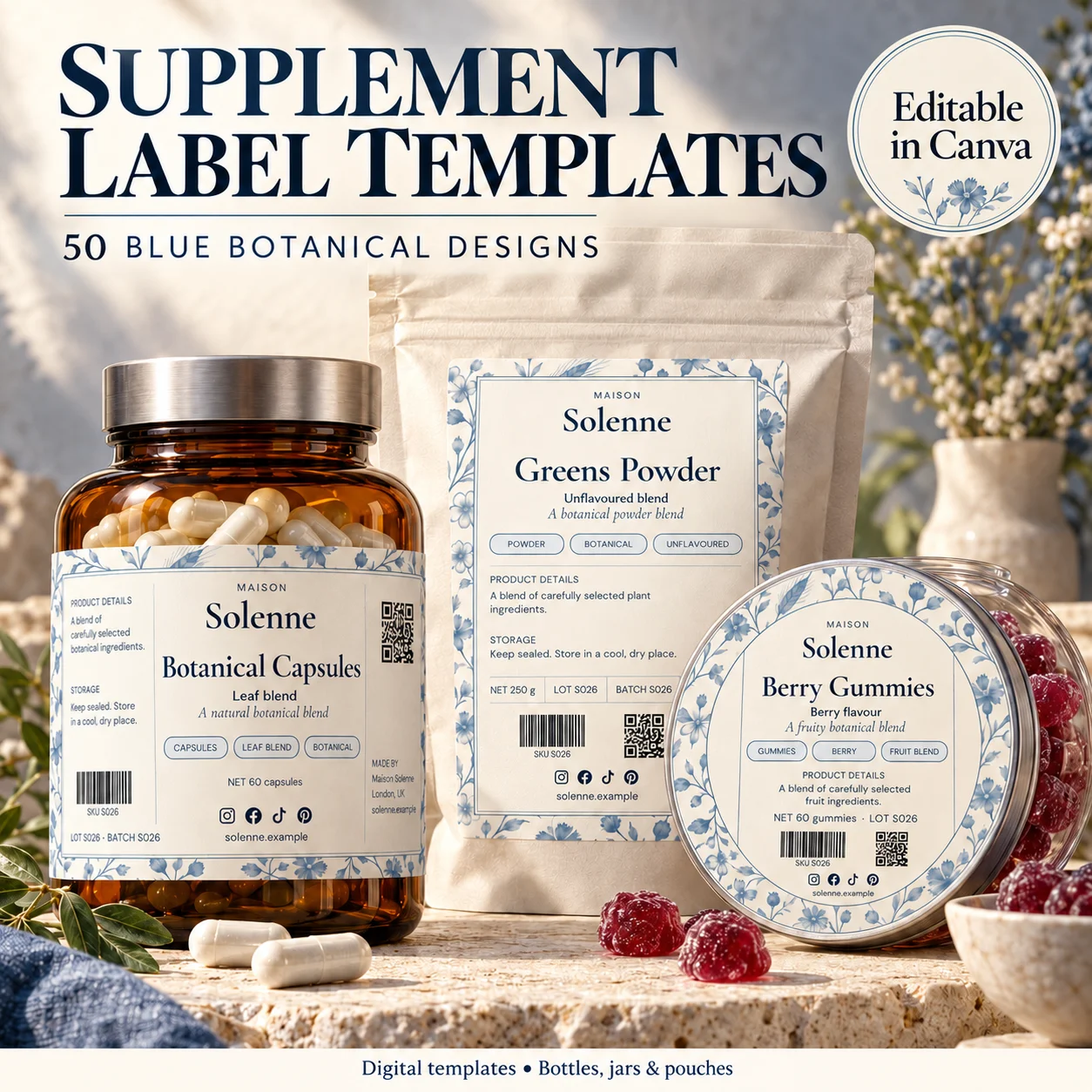
Supplement packaging is a poor place to discover that the information will not fit after the artwork is finished. The formula, product category and destination market determine what needs a qualified review. Your design process should begin with that reviewed content and the package dimensions, then create a visual system around it. A template is a starting point for layout, not a regulatory approval.
01
Begin with a reviewed content document
Gather the current product name, approved formulation information and all other wording supplied for the label review. Keep that content in a controlled document with an owner and a version date. It should be possible to trace the final export back to the text that was actually approved.
For a product sold in the United States, FDA’s general supplement-labeling guidance identifies several required statements and distinguishes the principal display panel from the information panel. The specific format, placement and claims need a current category-specific review. Do not infer a complete checklist from a packaging mockup.
02
Map the available panels at full size
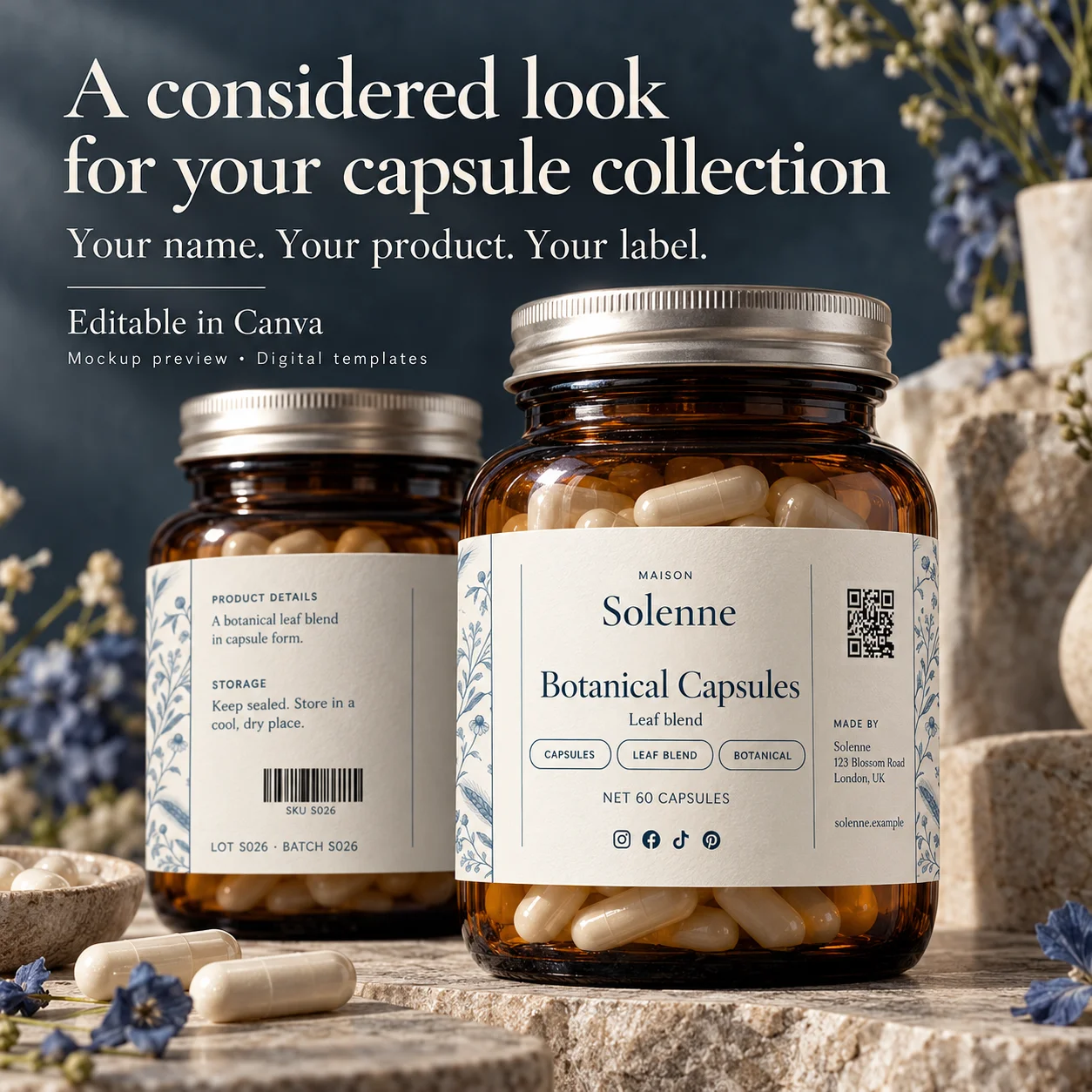
Measure the usable surface and draw the label outline at its intended dimensions. Mark seams, curves and areas that will be difficult to see without turning the container. Use plain text blocks to map the content before committing to borders, botanical artwork or a large logo.
If the reviewed information cannot fit comfortably, revisit the packaging or label format. Shrinking all text is not an automatic solution. Ask the appropriate reviewer and printer which arrangements are suitable before changing the hierarchy or splitting information between surfaces.
03
Keep product identity distinct from brand decoration
The front should make the product identifiable without depending on a stylized collection name. Choose a predictable location for the brand and the actual product identity. Supporting information must not be treated as a visual texture to fill spare space.
Use contrast, spacing and alignment to organize content. A quiet background behind dense information can coexist with a more expressive brand panel. Check the actual-size print, because a screen zoomed to fill a monitor can make small lettering look far easier to read than it will be on the package.
04
Control changes to facts panels and claims
Do not hand-edit a facts panel simply to make it prettier. Keep its content and presentation linked to the appropriate review process. If you need a different size or arrangement, have that change assessed rather than assuming a visual adjustment has no other consequences.
Check the surrounding words and illustrations too. Claims can appear in short badges, decorative lines and product names as well as longer paragraphs. A visually subtle claim still needs the same care as a headline. Avoid implying professional certification or official approval through an invented seal or icon.
05
Make final approval a shared production record
Prepare a final proof showing the complete label at actual size and on the intended package. Review the text against the approved content document, then review the physical print for clarity, fit and handling. Mark which file is approved so an earlier draft cannot be sent to production by mistake.
Keep the editable source, export, package code, material specification and review record together. Reopen the checks when the formulation, serving information, claims, container or destination changes. A successful print run is useful evidence of production fit; it does not make a later label revision automatically acceptable.
BEFORE YOUR NEXT STEP
Your practical checklist
- Use reviewed, product-specific content.
- Map panels before styling the label.
- Keep facts panels and claims under appropriate review.
- Approve the full-size export and retain a version record.
Questions & answers
Does buying a supplement label template make it compliant?+
No. A visual template cannot validate the formula, statements, claims, layout requirements or legal status of the product.
Can I copy the facts panel visible in a mockup?+
No. Sample panels are not the data for your product. Use the information and format appropriate to your own reviewed label.
This article is about design workflow. It does not provide legal, medical or regulatory approval. Obtain current advice for the product and market before sale.
Sources & further reading
Official references for the technical points in this guide. Check current specifications before production.