“These Coffee Bag designs are so lovely. I wanted my packaging to feel a little more put together, and this was exactly the look I had in mind.”
01 / 15
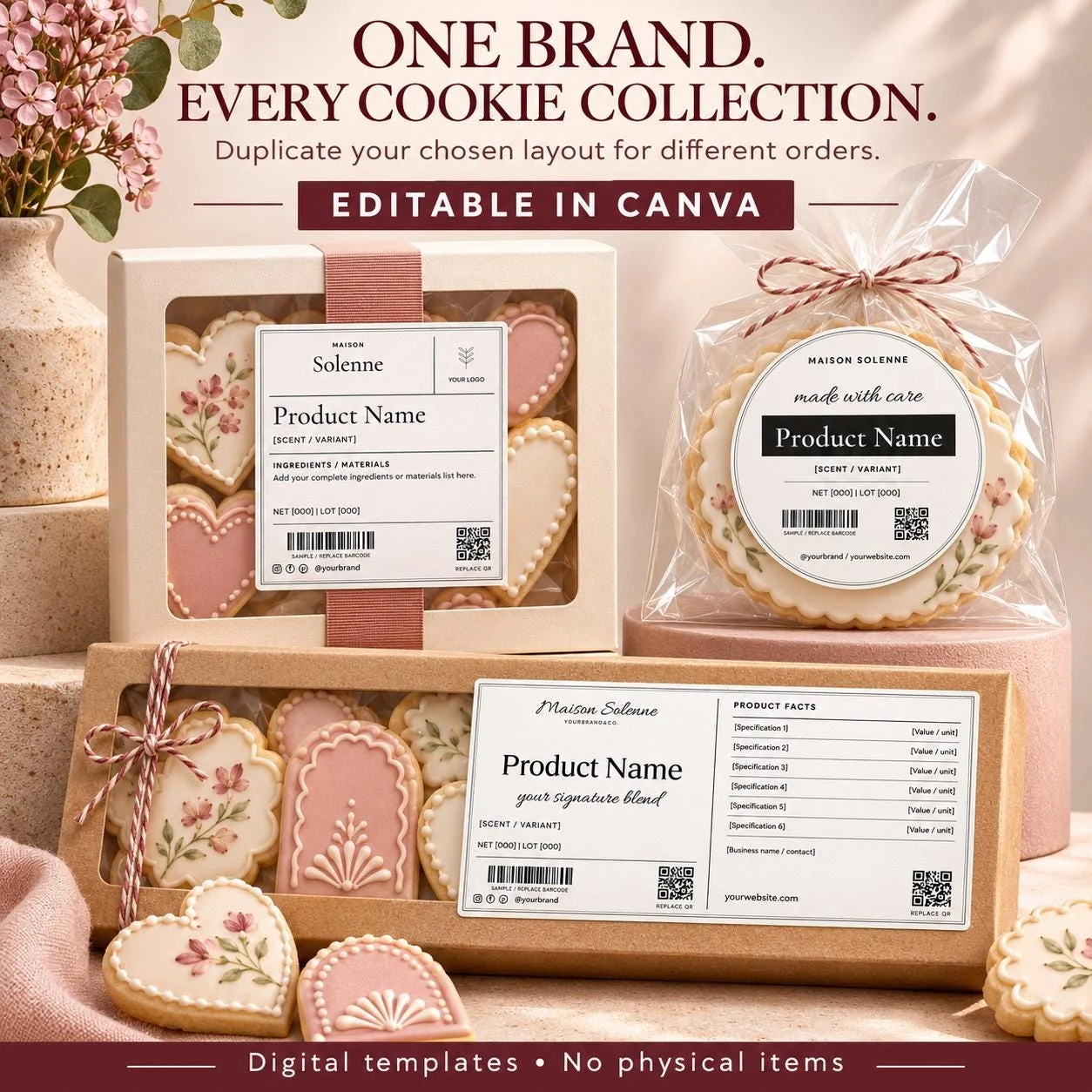
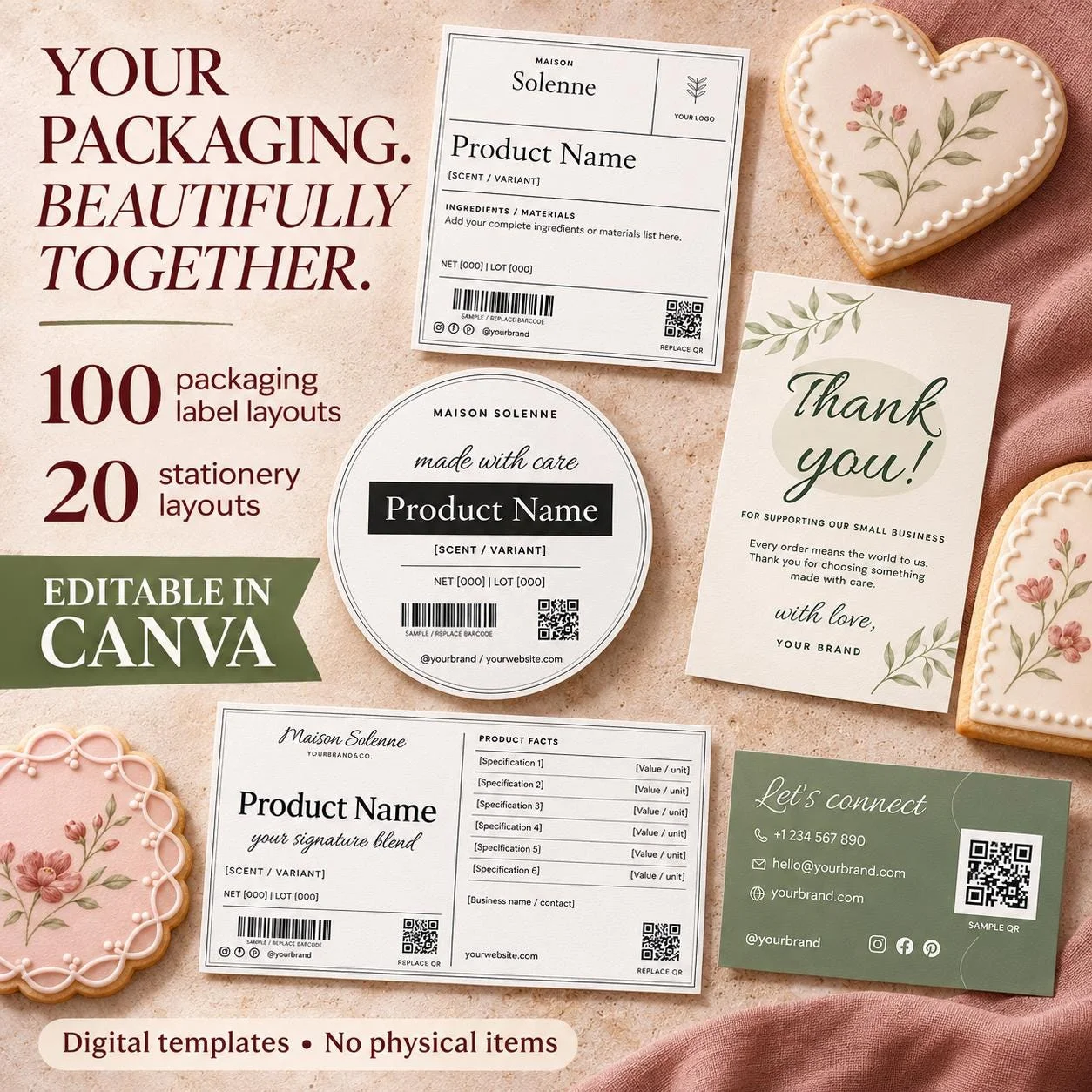
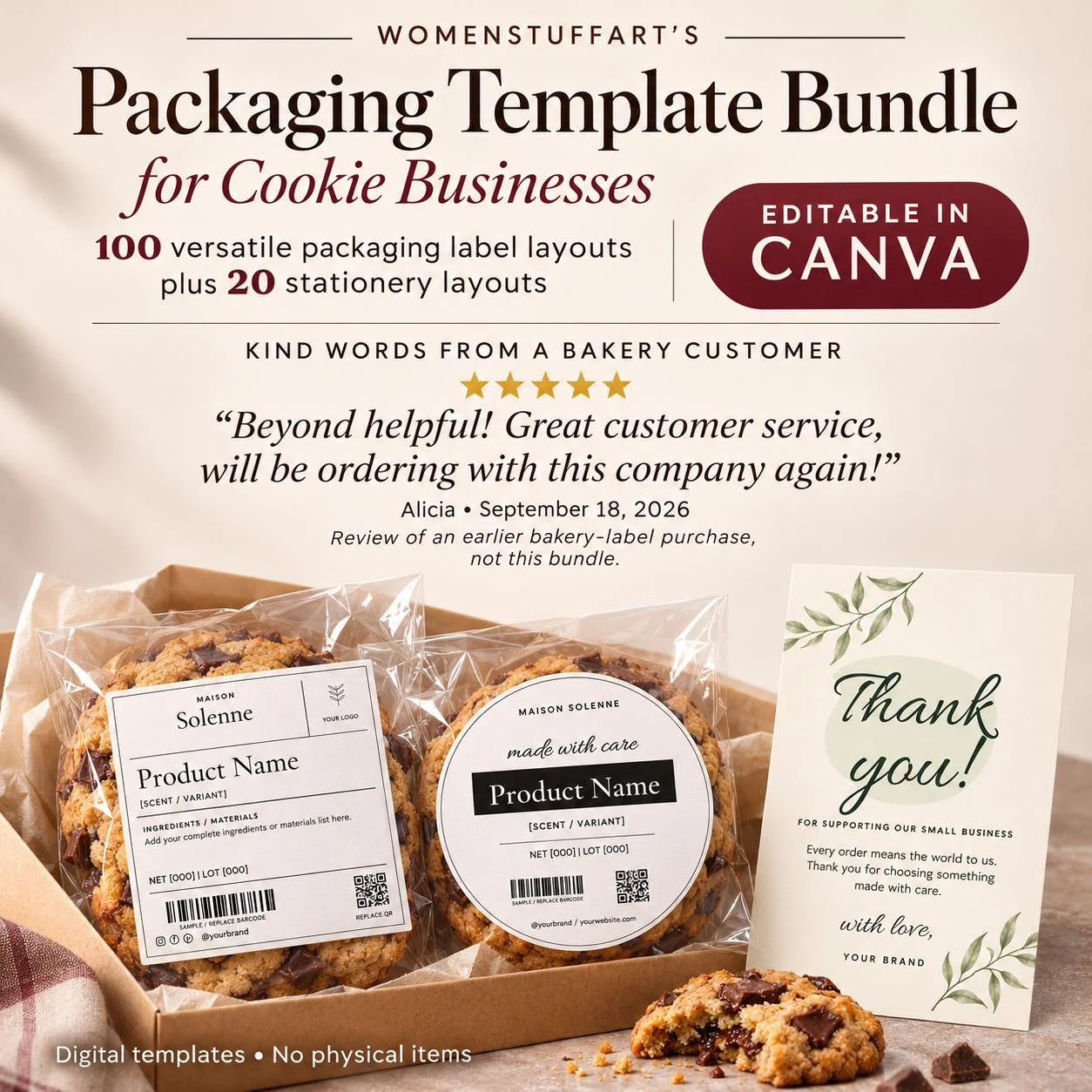
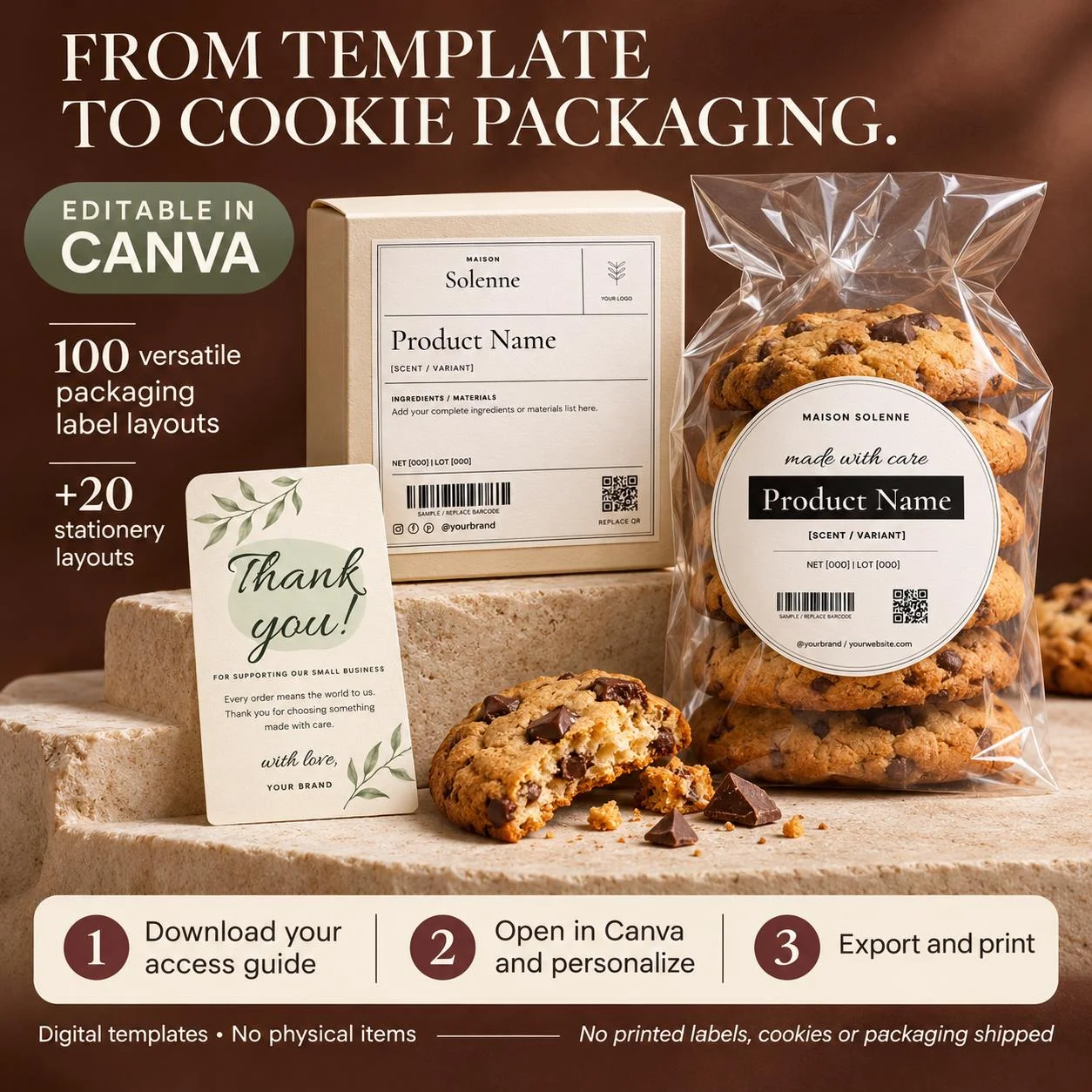
Printed examples shown. Your purchase is a digital template collection.
Make it yoursPersonalize in Canva50 layoutsOne coordinated collectionDigital downloadNo physical shipping
50 layouts. One beautiful look.
Your brand, your details. Personalize in Canva.
ONE-TIME PURCHASECoffee Bag Label Templates
Make your packaging feel like your brand with coordinated botanical label templates you can personalize in Canva.
Made for your brand. Editable in Canva.
$24 USDOne-time purchase
- 50 coordinated, mixed-format label layouts
- Personalize your text and brand details in Canva
- Editing & print guidance included
“These Coffee Bag designs are so lovely. I wanted my packaging to feel a little more put together, and this was exactly the look I had in mind.”1 / 5 · Design preview
Digital deliveryEdit in CanvaSecure checkout
Checkout with Fourthwall · Tax calculated at checkout
50 layouts · $0.48 per layout
What exactly am I buying?
A digital collection of 50 editable coffee bag label layouts in the Blue Botanical style. Printed labels, products, containers and photography props are not included.
Will these fit my packaging?
This is a mixed-format collection. Check the preview gallery and layout dimensions against your packaging before printing. Every layout is not supplied in every size.
How do I edit and print them?
Open the supplied templates in Canva, replace the wording with your details, check the dimensions and export your finished designs. Arrange your own printing using suitable label paper or a print service.
Where will I find my templates?
After checkout, follow the download or access instructions from Fourthwall. See our digital delivery guide if you need help locating them.
DESIGNED TO BELONG TOGETHERTHE FINISHING TOUCH, ALREADY STARTED
A beautiful finish for the things you make.
A beautiful product deserves a considered presentation. Start with a coordinated design, then bring in the details that make it yours.
One collection. A coordinated look.
- 50 label layouts in the Blue Botanical style
- A mix of formats for different packaging needs
- Canva templates plus editing and print guidance
FROM TEMPLATE TO YOUR FINISHING TOUCH
Your brand. In three simple steps.
Keep the beautiful starting point. Make the details your own.
01
Open in Canva
Access the supplied templates and choose a layout for your packaging.
02
Add your details
Personalize your brand name, product wording and contact information.
03
Print your final design
Check the dimensions, export your design and arrange your own printing.
A LITTLE CLARITY BEFORE YOU CHOOSE
One collection or two?
Find your starting point.
Start with the packaging you need now, or bring two product lines together. Both options are a one-time purchase.
| Your options | SelectedSingle collectionOne product line | Build your duoA wider product range |
|---|---|---|
| Complete collections | 1 | 2 |
| Editable layouts | 50Mixed formats | 10050 in each collection |
| Your designs | Coffee Bag | Coffee Bag+ Custom Sugar Cookie |
| Text editing in Canva | Included | Included |
| Editing & print guidance | Included | Included |
| One-time priceBefore applicable tax | $24.00$0.48 per layout | $64.00$0.64 per layout |
| Choose single | Choose duo |
Prices in USD. Digital templates only. Printing and packaging are arranged separately. The duo combines two full collections at their listed prices.
A CLOSER LOOK AT THE DETAILS
One visual story.
Every little detail.
Fine botanical borders. Warm ivory backgrounds. Inky blue details. Give your packaging a shared visual identity, with room for your own story.
- 50
- coordinated layouts
- Canva
- edit your wording
- Digital
- no physical shipping
CUSTOMER REVIEW DESIGN
A little love
for the details.
Design preview Illustrative sample content, not verified customer feedback.
5.0
5 sample reviews
Coffee Bag collection“I was nervous about editing a template, but changing the wording in Canva felt much easier than starting from a blank page. Really happy with the result.”
“The little botanical details are my favourite part. Pretty without feeling too busy, and everything looks like it belongs together.”
“Having a design to start with saved me so much second-guessing. I could spend my time getting my own wording right instead of trying to design the whole thing.”
“Such a nice finishing touch for my small business. I kept coming back to this style, and I love seeing my own brand name in the design.”
Swipe to explore the review layout
FEEL GOOD ABOUT YOUR CHOICE
A few things
you might ask.
Need help choosing your collection?
Ask the studioWhat comes with this collection?
50 coordinated coffee bag label layouts to personalize in Canva, with editing and print guidance. The preview images show examples of the designs in use.
Will anything be shipped to me?
No. This is a digital template purchase. Printed labels, products, packaging and photography props are not included.
Are all 50 layouts the same size?
No. The collection includes mixed formats; every layout is not supplied in every size. Review the previews and check dimensions against your packaging before printing.
Can I use these for products I sell?
Review the product information and included usage terms before purchasing. You are responsible for your final wording, product details and any labeling requirements that apply to your business.
Read the full product description
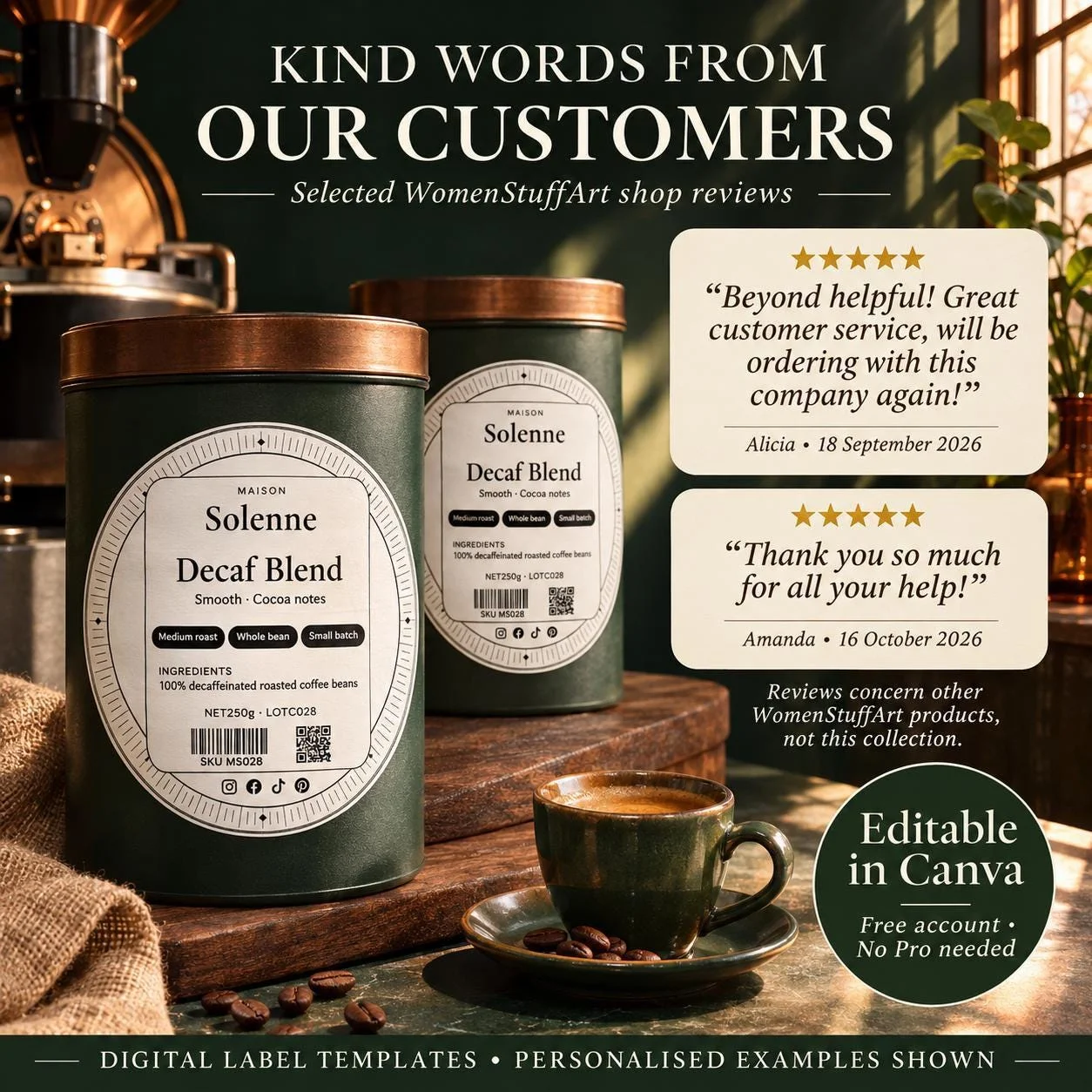
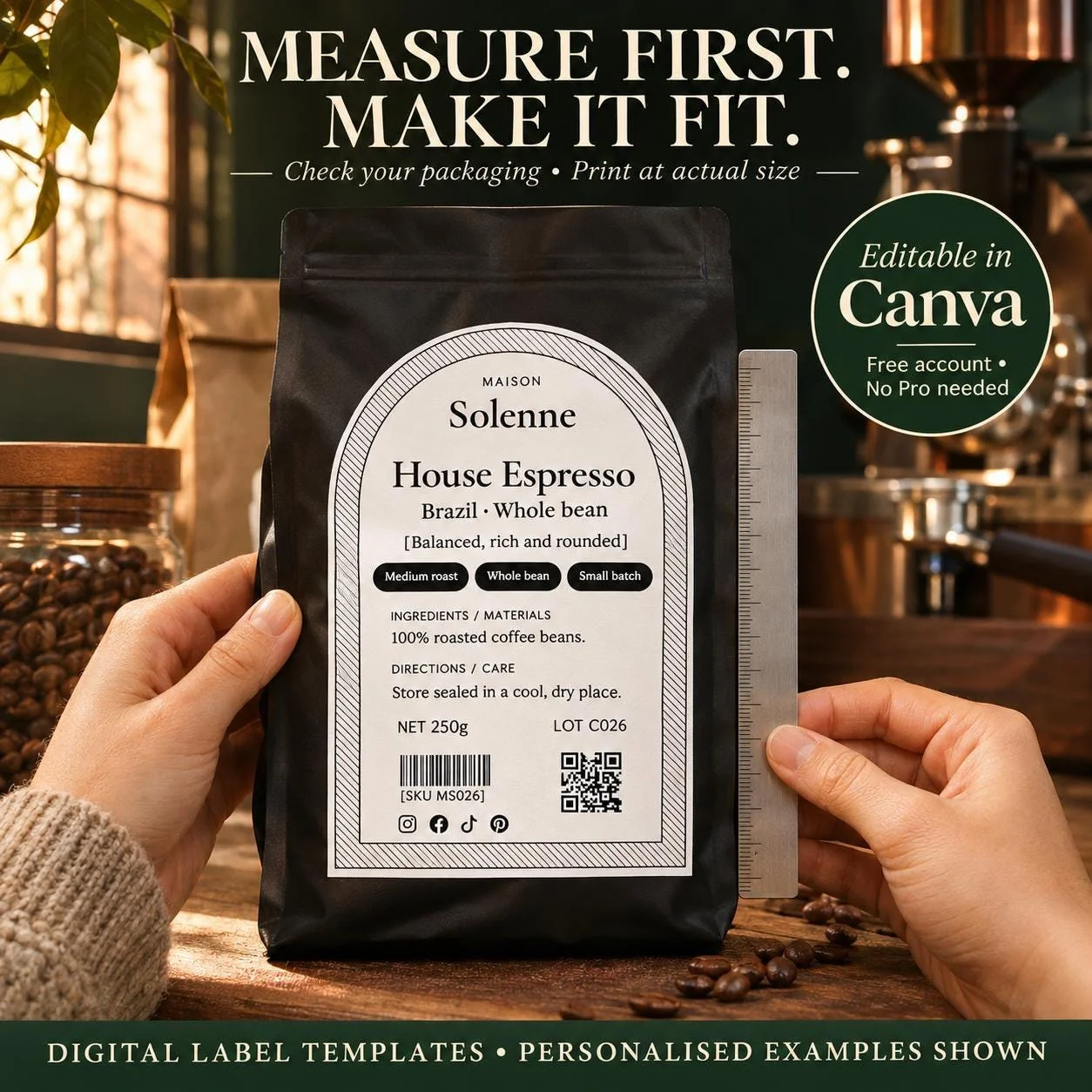
COFFEE LABEL TEMPLATES FOR CANVA 50 black-and-white packaging designs for coffee roasters Give your coffee packaging a consistent signature, from your everyday espresso blend to a seasonal single-origin release. This editable label collection gives you 50 layouts to personalise with your roastery name, coffee details and business information. Choose a format for your coffee bags, pouches, tins, suitable jars or tasting gift boxes. Refined serif headings, fine geometric borders and black feature badges create a coordinated foundation while keeping your coffee and your brand in focus. EDITABLE IN CANVA Use a free Canva account. No Canva Pro subscription is needed. DIGITAL DOWNLOAD ONLY This is an editable digital template collection. No coffee, printed labels, bags, tins, jars, boxes or other physical items will be shipped. ---------------------------------------- WHAT YOU RECEIVE ---------------------------------------- - 50 editable black-and-white packaging label layouts. - Square, round, rectangular, oval, arch and scalloped designs. - Front-label and supporting product-information layouts. - Wide wrap labels, box bands, sleeves and narrow strips. - Spaces for quantities, batches, dates, business details and care information, depending on the layout. - Sample QR-code and barcode areas to replace with your own. - Instagram, Facebook, TikTok and Pinterest icons. - An introduction page and a design-size index. This is the 50-design Atelier Noir packaging collection, presented here for coffee roasters. The previews show selected layouts personalised for coffee products. The collection is not 50 pre-written coffee recipes, 50 origin-specific labels or a complete coffee-business branding kit. ---------------------------------------- A COORDINATED LOOK FOR YOUR COFFEE ---------------------------------------- Use suitable layouts for packaging such as: - Whole-bean coffee bags. - Ground coffee pouches. - House espresso blends. - Light, medium and dark roast collections. - Decaffeinated coffee selections. - Single-origin and seasonal releases. - Coffee tins and suitable storage containers. - Sample-size coffee pouches. - Tasting collections and coffee gift boxes. - Coffee sold through your café, roastery, market stall or online business. Keep a recognisable layout across your range, then update the wording for each coffee. Your house blend and your next seasonal release can share a consistent visual identity without starting a new label from scratch. ---------------------------------------- MAKE THE DETAILS YOURS ---------------------------------------- Personalise the sample wording in Canva. Depending on the layout you choose, use the available text areas for: - Your roastery or coffee-brand name. - Your blend or product name. - Coffee origin and other accurate sourcing details. - Roast level. - Whole-bean or ground format. - Tasting notes. - Roast, packing or other applicable dates. - Net weight. - Batch or lot details. - Ingredients and storage information. - Your website and business contact details. - Your social-media handle. - Your own QR destination and barcode. Some text areas may need to be relabelled or adjusted to suit your coffee information. Not every layout includes every field listed above. Maison Solenne, House Espresso, Ethiopia Light Roast and Decaf Blend are personalised examples shown in the marketing images. Replace them with information that accurately describes your own coffee. ---------------------------------------- 50 LAYOUTS. DIFFERENT PACKAGING OPTIONS. ---------------------------------------- The collection includes: - 8 square layouts. - 8 round label and seal layouts. - 10 rectangular front, back, bottle, pouch and jar layouts. - 6 shaped layouts: horizontal oval, vertical oval, tall arch, short arch, scalloped seal and rounded rectangle. - 10 wrap, band and sleeve layouts. - 4 narrow strip and seal layouts. - 4 supporting information layouts. These formats offer different ways to organise your branding and product details. Choose the design that suits your packaging surface and the amount of information you need to display. ---------------------------------------- ARTWORK DIMENSIONS ---------------------------------------- SQUARE DESIGNS Include 50 x 50 mm, 60 x 60 mm and 80 x 80 mm, plus 2.5 x 2.5, 3 x 3, 3.5 x 3.5 and 4 x 4 inches. Some sizes appear in more than one layout. ROUND DESIGNS Include 50 mm, 60 mm and 80 mm diameters, plus 2.5, 3, 3.5 and 4 inch diameters. RECTANGULAR DESIGNS Include 2 x 3, 3 x 4, 4 x 2, 4 x 3, 3 x 4.5, 2 x 4.5, 5 x 2 and 4 x 4.5 inches, plus 64 x 38 mm and 80 x 45 mm. SHAPED DESIGNS - Horizontal oval: 4 x 2.5 inches. - Vertical oval: 2.5 x 3.5 inches. - Tall arch: 3 x 4 inches. - Short arch: 3 x 3.5 inches. - Scalloped seal: 3.5 x 3.5 inch artwork area. - Rounded rectangle: 4 x 3 inches. WRAPS, BANDS AND SLEEVES Include 6 x 2.5, 7 x 2.5, 8 x 3, 7.75 x 2.25, 9.75 x 1.25, 5 x 2, 8.5 x 3.5, 10 x 2.5, 12 x 3 and 7 x 3.5 inches. STRIPS AND SUPPORTING INFORMATION PANELS Additional formats include 6 x 1.25, 1.5 x 6, 5 x 1.75, 4 x 1.5, 3 x 3, 4 x 3.5, 3 x 2 and 4 x 3 inches. Dimensions refer to the supplied artwork. They do not guarantee a fit for every coffee bag, tin, jar or box. Measure your packaging and check the included size index before printing. ---------------------------------------- HOW IT WORKS ---------------------------------------- 1. Download the access guide supplied with your purchase. 2. Follow its instructions to open the collection in Canva. 3. Choose a layout that suits your packaging. 4. Replace the sample branding and product wording with your own coffee details. 5. Add your own codes and check every piece of information. 6. Export the finished artwork using settings appropriate for your printer or print provider. 7. Test-print at the intended size and check the fit. 8. Print your chosen quantity and apply your labels. You can prepare the designs for printing at home or with your chosen print shop. Printing, paper, cutting and application are arranged by you. ---------------------------------------- PRINTING AND PACKAGING NOTES ---------------------------------------- - Check the usable flat area of your coffee bag, including seams, folds, zips and valves. - Choose label material suitable for your packaging and printer. - Keep important wording and codes clear of folds and strongly curved surfaces. - Check text readability at the final printed size. - Confirm bleed, trimming and shaped-label cut requirements with your print provider. - Replace sample QR graphics with your own destination and scan-test the printed result. - Replace barcode placeholders with identifiers appropriate for your products. - Use your own accurate product, quantity, date and business information. - Print a sample before committing to a larger run. Tasting notes shown in previews describe sample coffee profiles; they are not a statement that flavouring ingredients have been added. The templates provide a design starting point. Your finished product information and packaging requirements remain specific to your business and location. ---------------------------------------- FREQUENT QUESTIONS ---------------------------------------- AM I BUYING COFFEE OR PRINTED STICKERS? No. You are purchasing a digital collection of editable label templates. DO I NEED CANVA PRO? No. The collection can be edited with a free Canva account. CAN I CHANGE THE ROAST AND BLEND NAMES? Yes. Replace the sample wording with details for your own coffee. ARE ALL 50 DESIGNS COFFEE-BAG FRONT LABELS? No. This is a versatile collection with different shapes, front and supporting information layouts, wraps, bands and strips. The images show selected coffee personalisations. WILL THE LABELS FIT MY PACKAGING? Compare the artwork dimensions with your own packaging. A bag's overall capacity does not determine the size of its usable label area. ARE THE QR CODES AND BARCODES READY FOR MY BUSINESS? No. Sample codes must be replaced with your own appropriate codes and checked before printing. DO I RECEIVE THE PHOTOGRAPHED BAGS AND TINS? No. Packaging, coffee and props in the images illustrate possible personalised results. ---------------------------------------- ABOUT WOMENSTUFFART ---------------------------------------- We create thoughtful, editable templates to help creative businesses present their work with care. You bring the coffee, the craft and the story. Our label layouts give you a coordinated place to begin. For questions about accessing the collection or locating a layout, message WomenStuffArt through Etsy. Your products. Your details. Your brand.
Label design and packaging guides
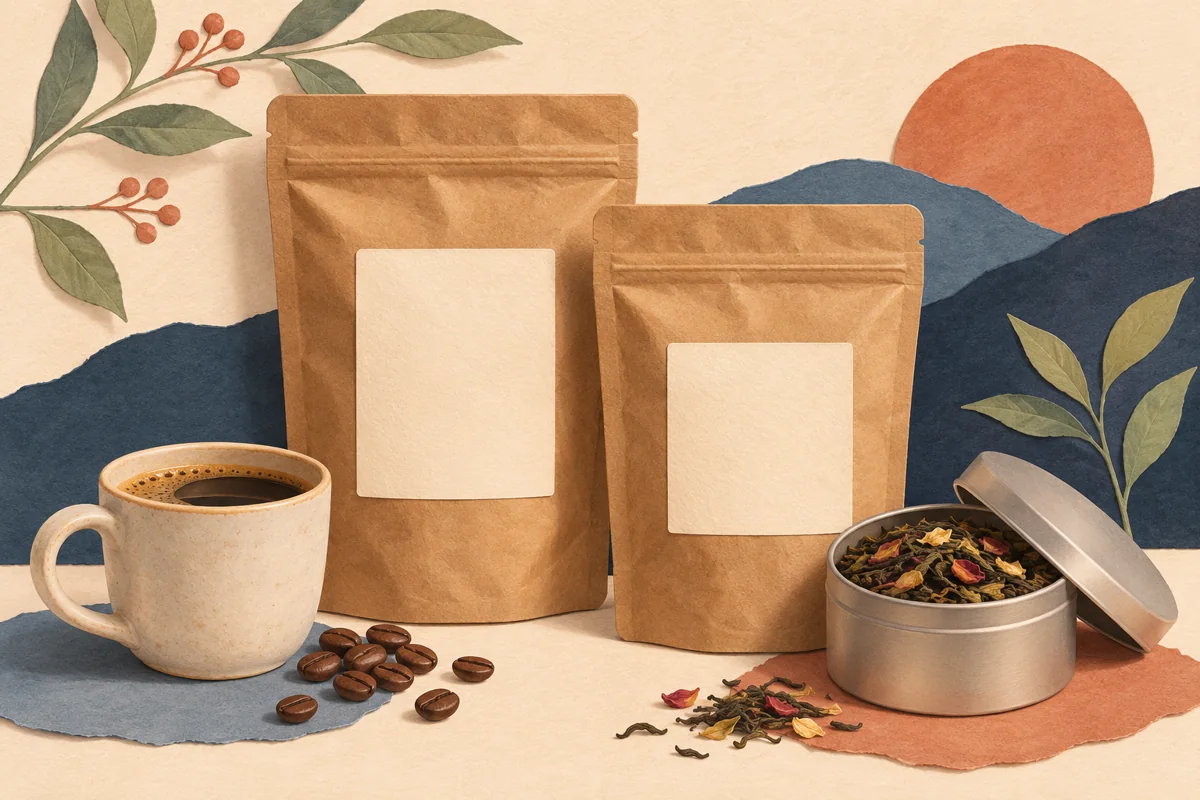
Coffee Bag Labels: A Layout and Packaging Guide
Compare coffee-label placement on stand-up pouches, side-gusset bags and tin-tie bags, then plan readable product details and a repeatable print handover.
Read the guideTea Packaging Design for Small Brands
Create a clear tea packaging system across pouches, tins and jars, with consistent blend names, useful information panels and practical print checks.
Read the guide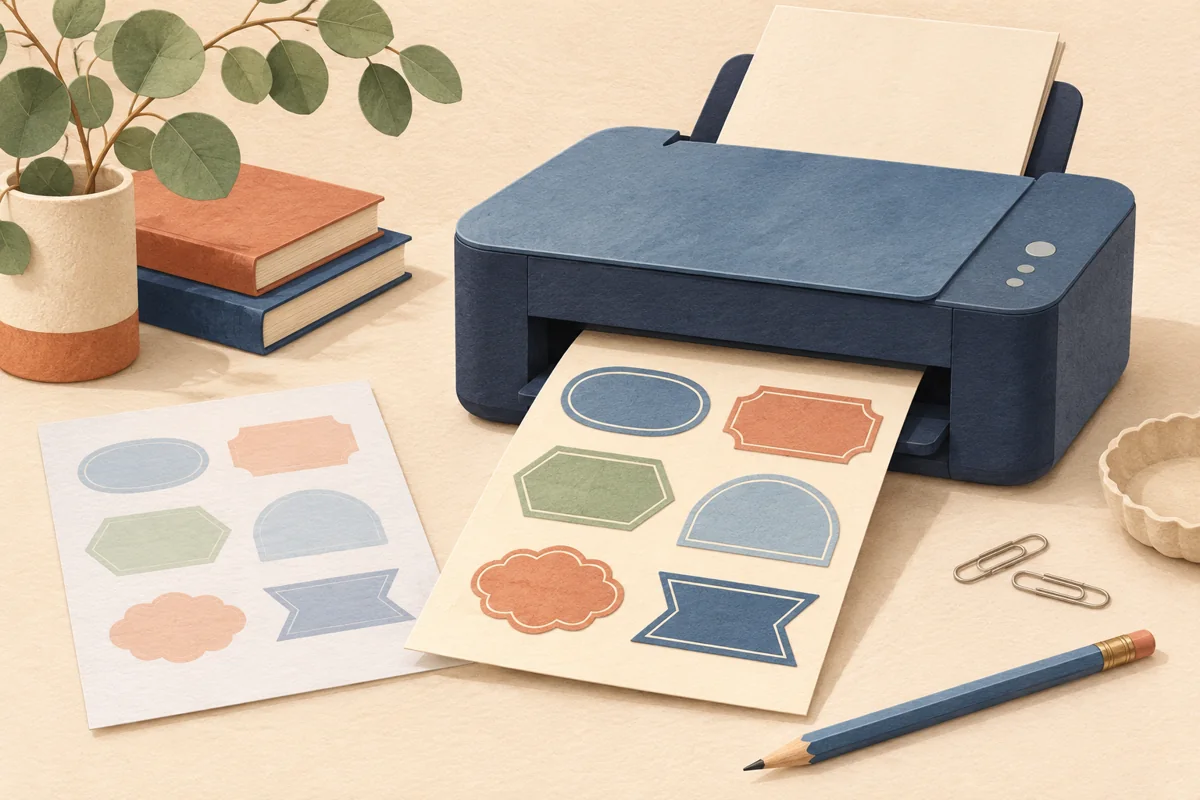
PDF Print vs PNG: Which File Is Best for Labels?
Choose a label export format by print workflow, physical dimensions and printer requirements, and check the actual exported file before batching.
Read the guideFOR THE REST OF YOUR COLLECTION